bunnylock
v2.1.0Screenshots
(4)About Application

bunnylock locks bands, RATs and cells on Android phones. It works through root or Shizuku and picks the right way to talk to your phone's modem.
Modems are weird, and vendors rarely implement the same controls in the same way. Something working on one phone does not guarantee that it will work on every phone with the same chipset or Android version.
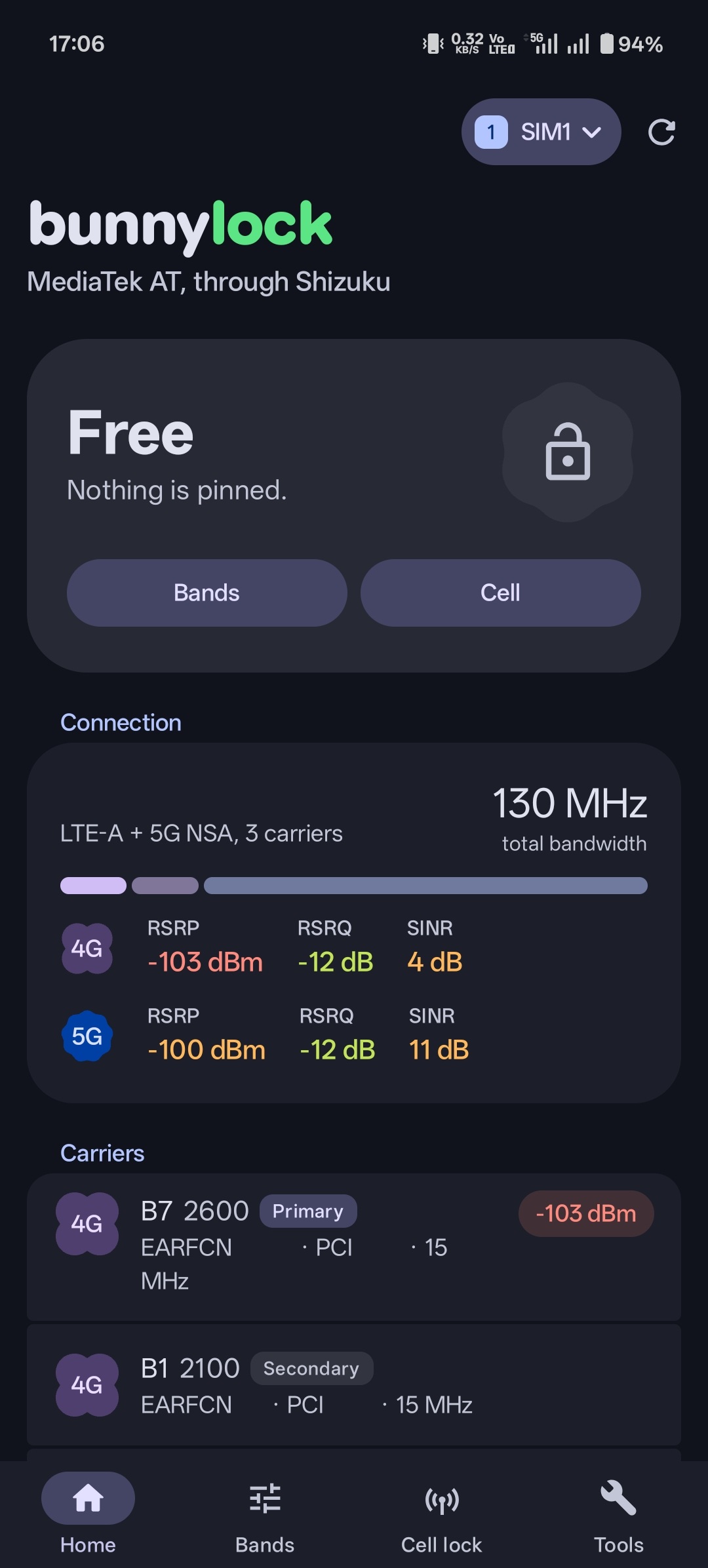 | 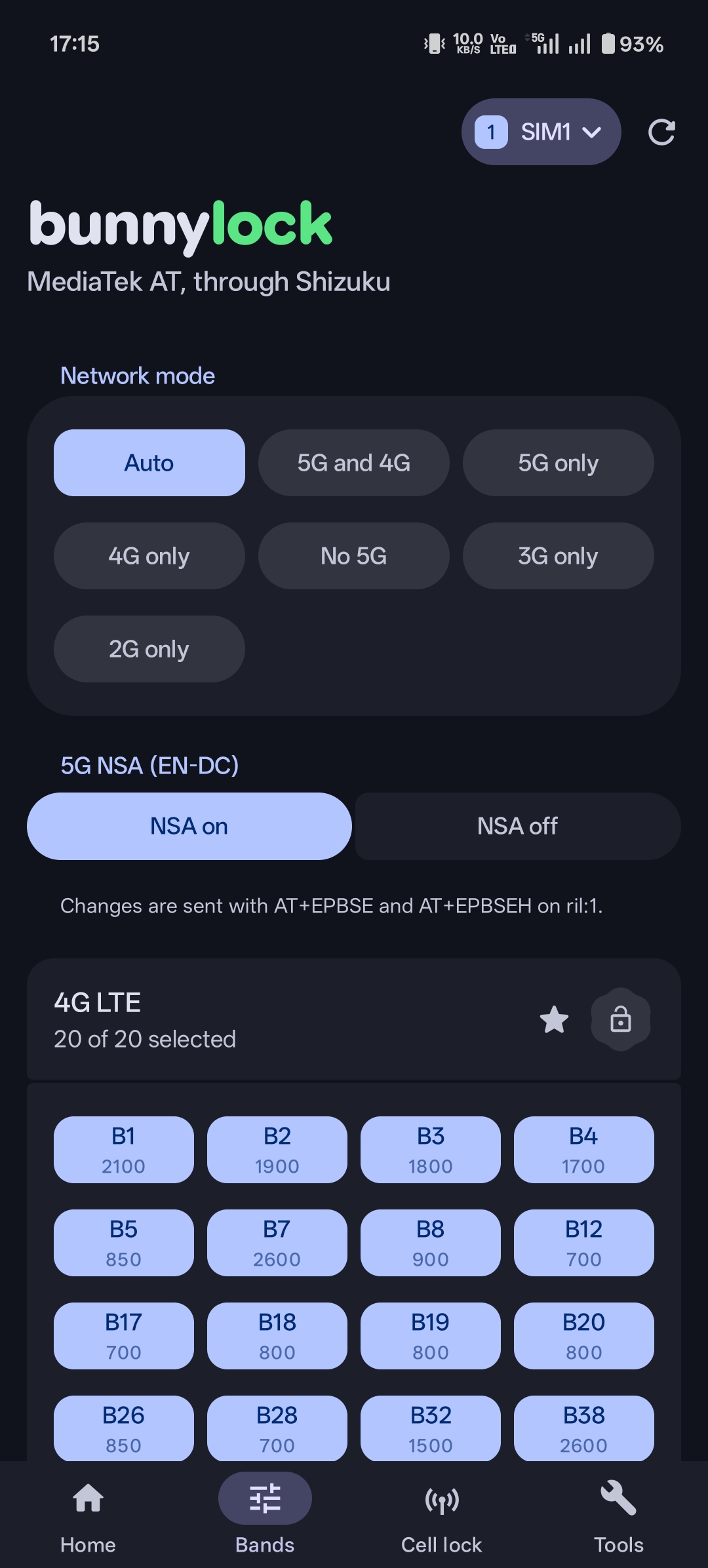 | 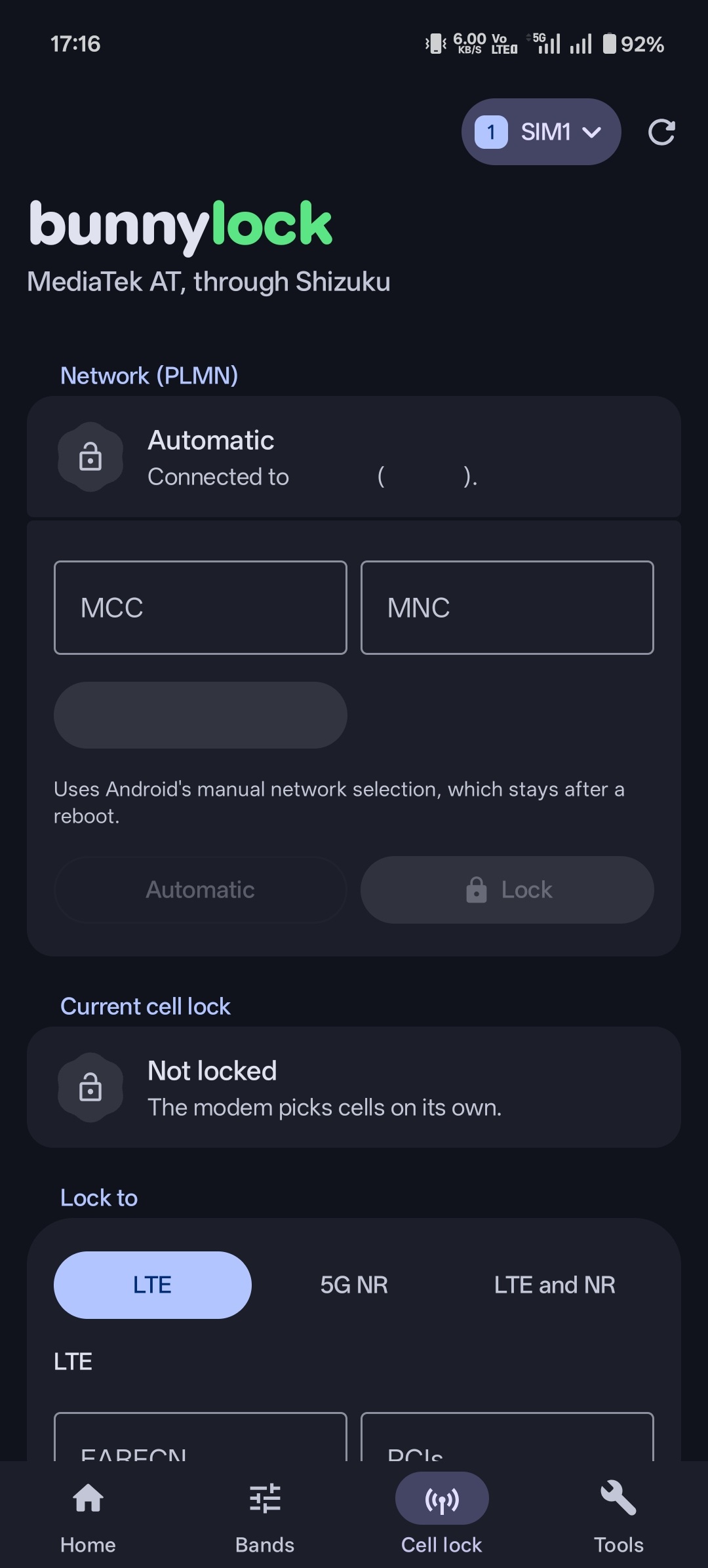 | 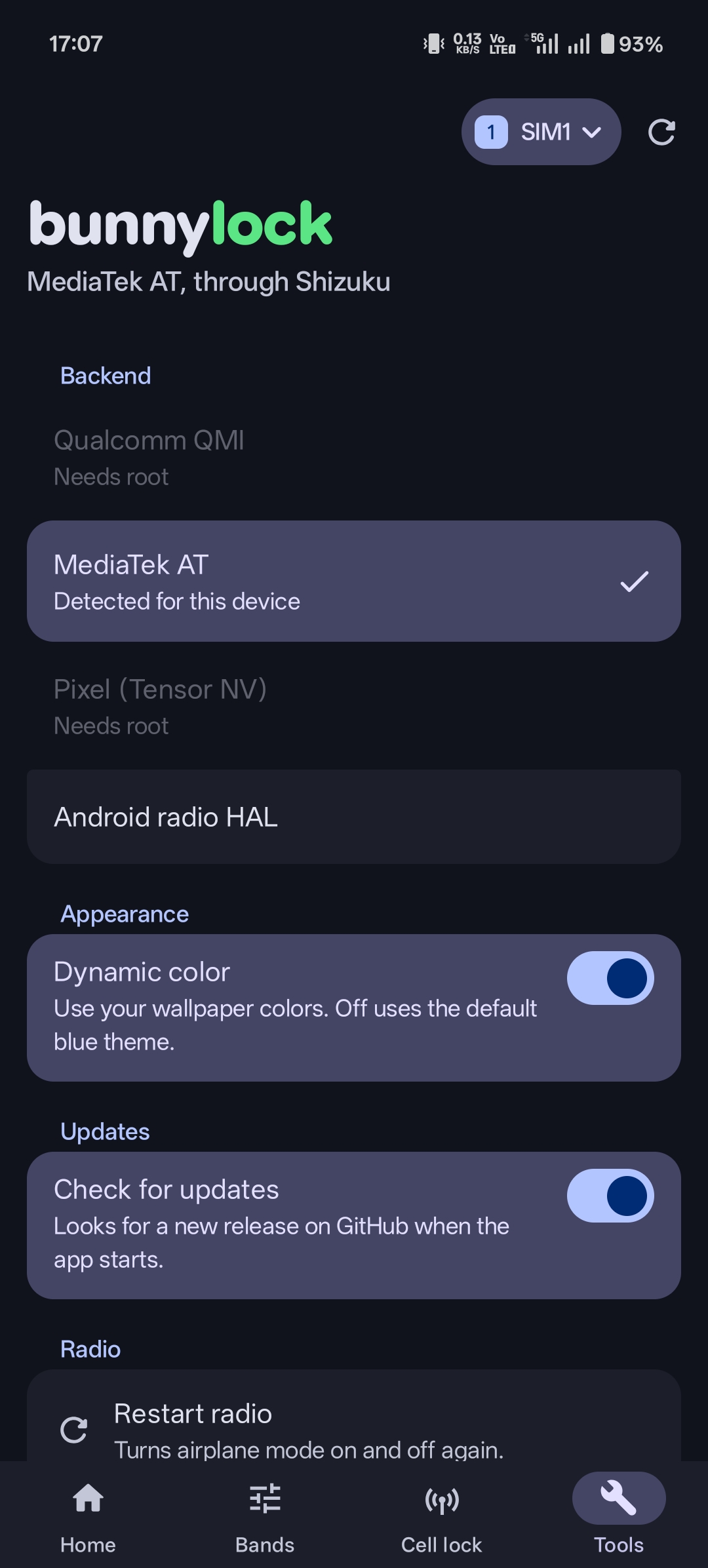 |
| Home | Bands | Cell lock | Tools |
[!CAUTION] bunnylock changes low-level modem settings, and some of them stay after a reboot. A wrong lock can leave you without service, emergency calls included. Use it at your own risk. The author isn't responsible for any damage it causes, such as lost service, lost data or a phone that stops working properly. It comes without any warranty. See the license.
Unlock all on the Home screen tries to undo bunnylock's locks, even without service, but the modem doesn't always go along with it. Before you experiment, find out how else your phone can get back to normal, such as a network settings reset or its engineering menu.
Features
Depending on your phone, bunnylock can:
- lock 2G, 3G, 4G and 5G bands
- force a RAT, such as 4G only or 5G only
- lock 4G and 5G cells by EARFCN, ARFCN or PCI
- choose 5G SA, NSA or both
- lock to one mobile network
- turn VoLTE, Wi-Fi calling and carrier aggregation on or off
- restart the radio or reboot the modem
- open the built-in band menu on supported Samsung phones
See Tested devices for what has been tried on real phones.
Supported phones
bunnylock tries root first, then Shizuku. Shizuku started through ADB can do less, though some MediaTek and Unisoc phones can still lock bands with it.
It picks a backend for your chipset, and you can change it in Settings:
- Qualcomm: QMI
- MediaTek: AT commands
- Pixel (Tensor): the modem's NV settings
- Unisoc: AT commands
- Anything else: Android's radio HAL
If something doesn't work, copy the diagnostics from Tools and include them in your report.
Building
You need the Android SDK, the NDK version set in gradle/libs.versions.toml and CMake 3.22.1. Gradle runs on Java 25 and compiles with Temurin 17, and it downloads either one if it's missing, so the first build needs a network connection.
./gradlew assembleRelease
The APK ends up in app/build/outputs/apk/release/. It's signed with your debug key unless you add a keystore.properties in the project root with storeFile, storePassword, keyAlias, keyPassword and, optionally, a lineageFile from apksigner rotate.
Translating
The strings live in app/src/main/res/values and modem/src/main/res/values. To add a language:
- In both
app/src/main/resandmodem/src/main/res, make avalues-<code>folder, for examplevalues-de,values-pt-rBRorvalues-b+sr+Latn, and copy only thestrings_*.xmlfiles fromvaluesinto it. - Translate every string and delete the ones marked
translatable="false". Setsettings_language_nameto the language's own name, likeDeutsch.
The build finds the new folders by itself and adds the language to the app's picker and to Android's per-app language settings. It fails if a language has strings in only one of the two modules.
Release Notes & Changelog
🚀 Enhancements
- New light, dark and OLED black themes in
Settings>Appearance(67da0fc), - Turkish language support (#24),
- Diagnostics now list what bunnylock remembers about your phone's radio HAL.
🩹 Fixes
- Locking 4G & 5G bands at the same time now works correctly. With the Android radio HAL backend both go out in one request, so the phone only moves once (2003d04),
- A band card's lock button now applies every pending change, not only that card,
- If one network's lock fails, the other networks in the same press still lock,
- With
Turn off networks without a lockon, locking or unlocking several RATs at once no longer leaves one of them turned off, - With the Android radio HAL backend, "Selecting 8 or fewer bands may work" only shows when your own selection could be the cause. bunnylock also remembers which band lists your phone refuses and skips them next time,
- On MediaTek phones, bands the modem keeps off on the current network no longer show as a band lock. They're hidden on the Bands tab, and
Settings>Band locks>Show bands the modem keeps offbrings them back (d434f05).
❤️ Contributors
- ririxi (@rxri)
- Samet (@sametlprsln)
Declared Android Permissions
7 totalShizuku API Permissions
This application connects to the Shizuku service to execute system-level operations with ADB elevated privileges.
Standard Android Permissions
Specifications
Install via ShizuStore to enable automatic updates and silent installations using Shizuku.
More in Network
Other applications in this category


WG Tunnel
wgtunnel
A FOSS Android client for WireGuard and AmneziaWG with auto-tunneling.