Nothing_Modes
v0.19.7Screenshots
(12)About Application
Nothing Modes
Open-source Android automation for Nothing phones — and every other Android device.
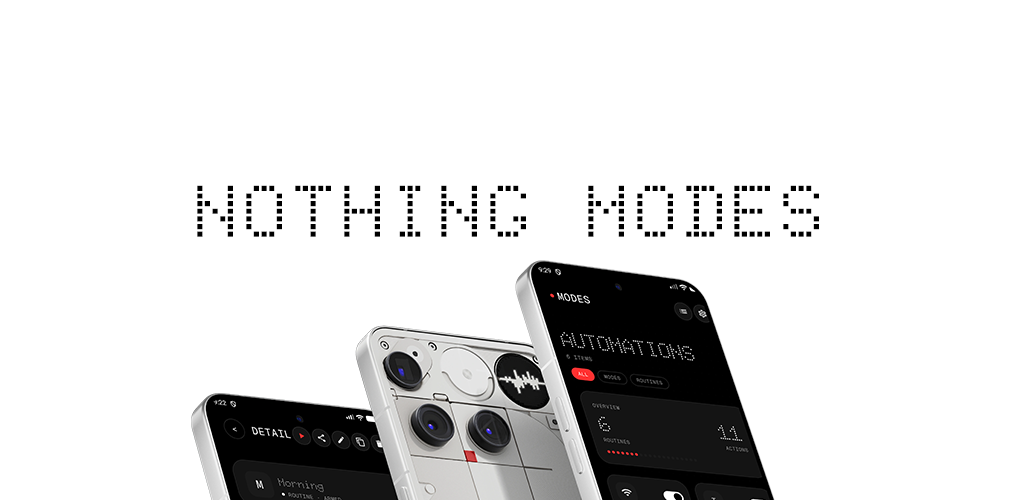
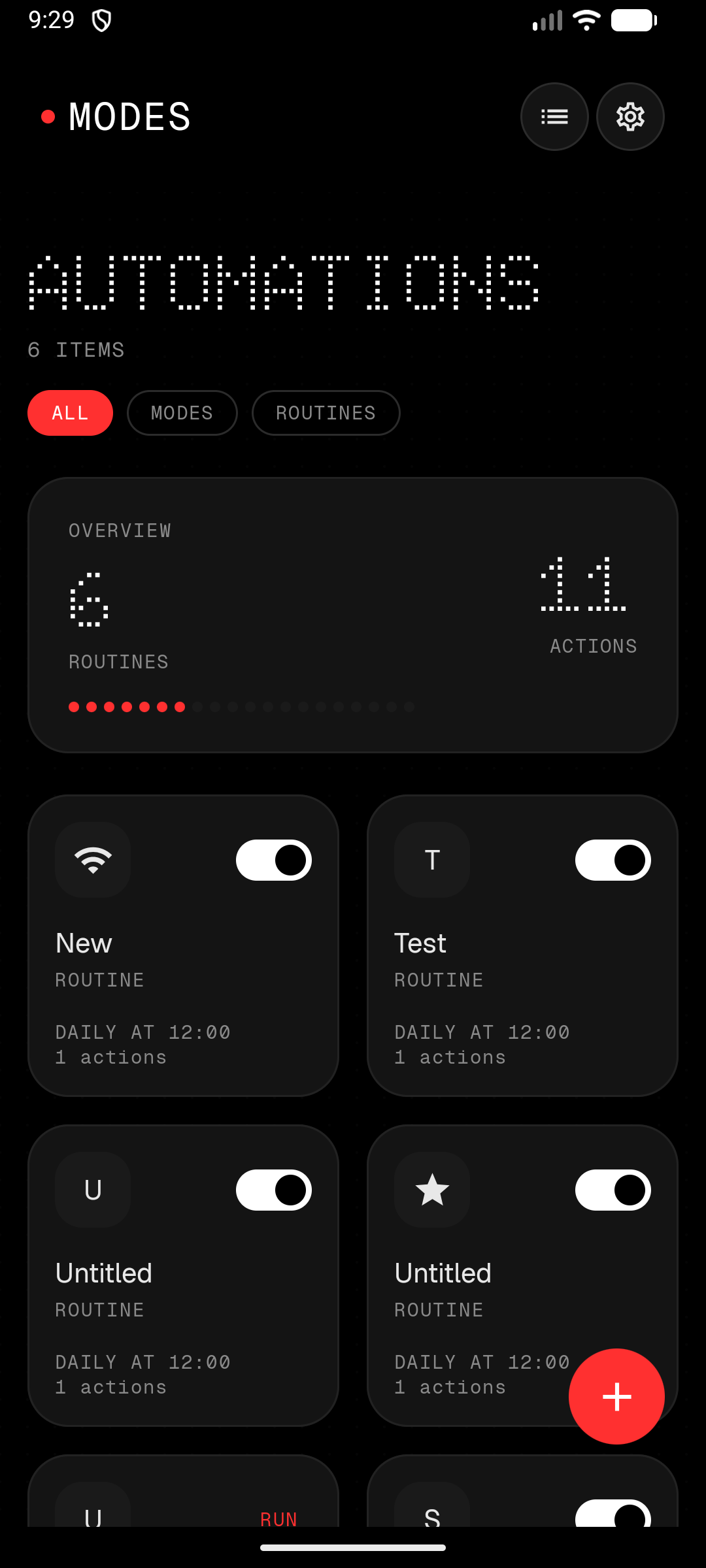
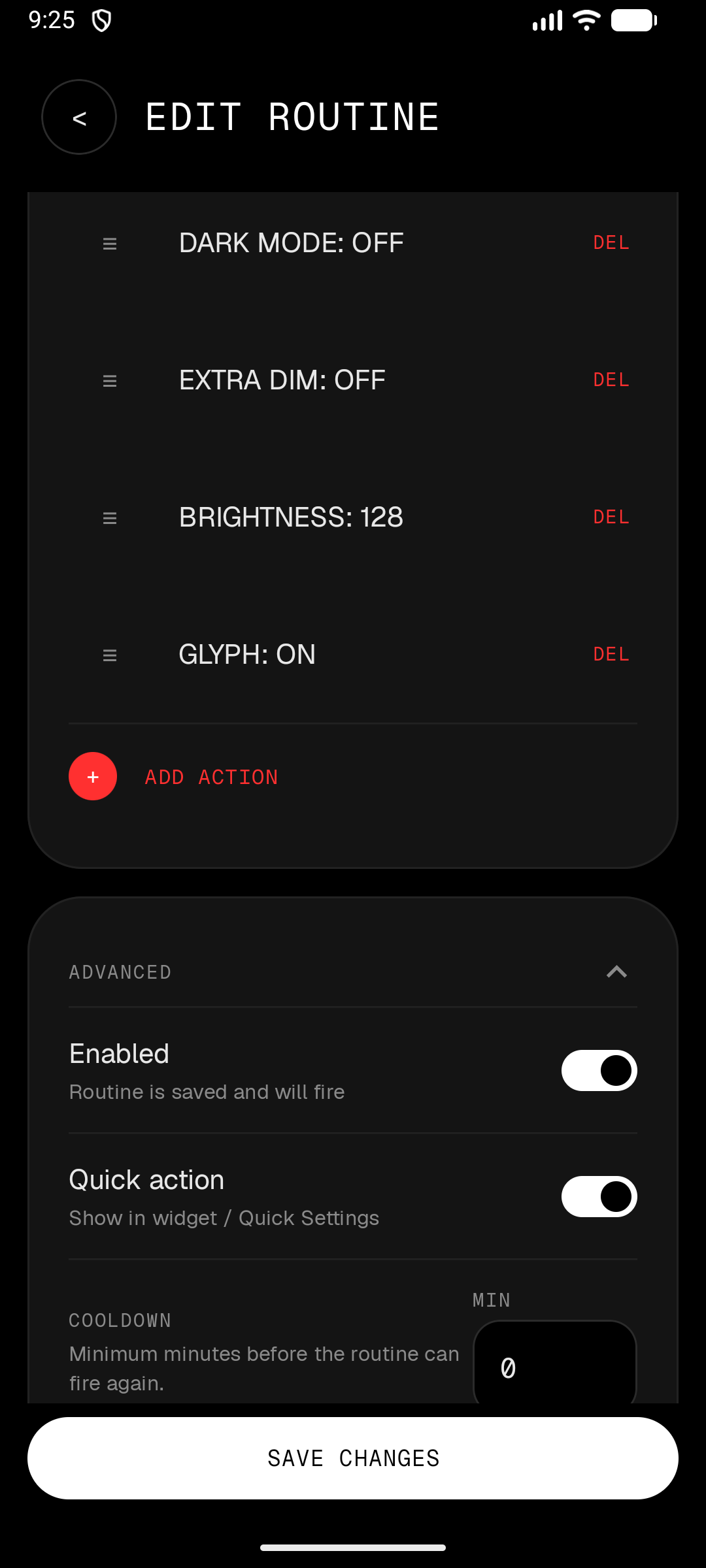
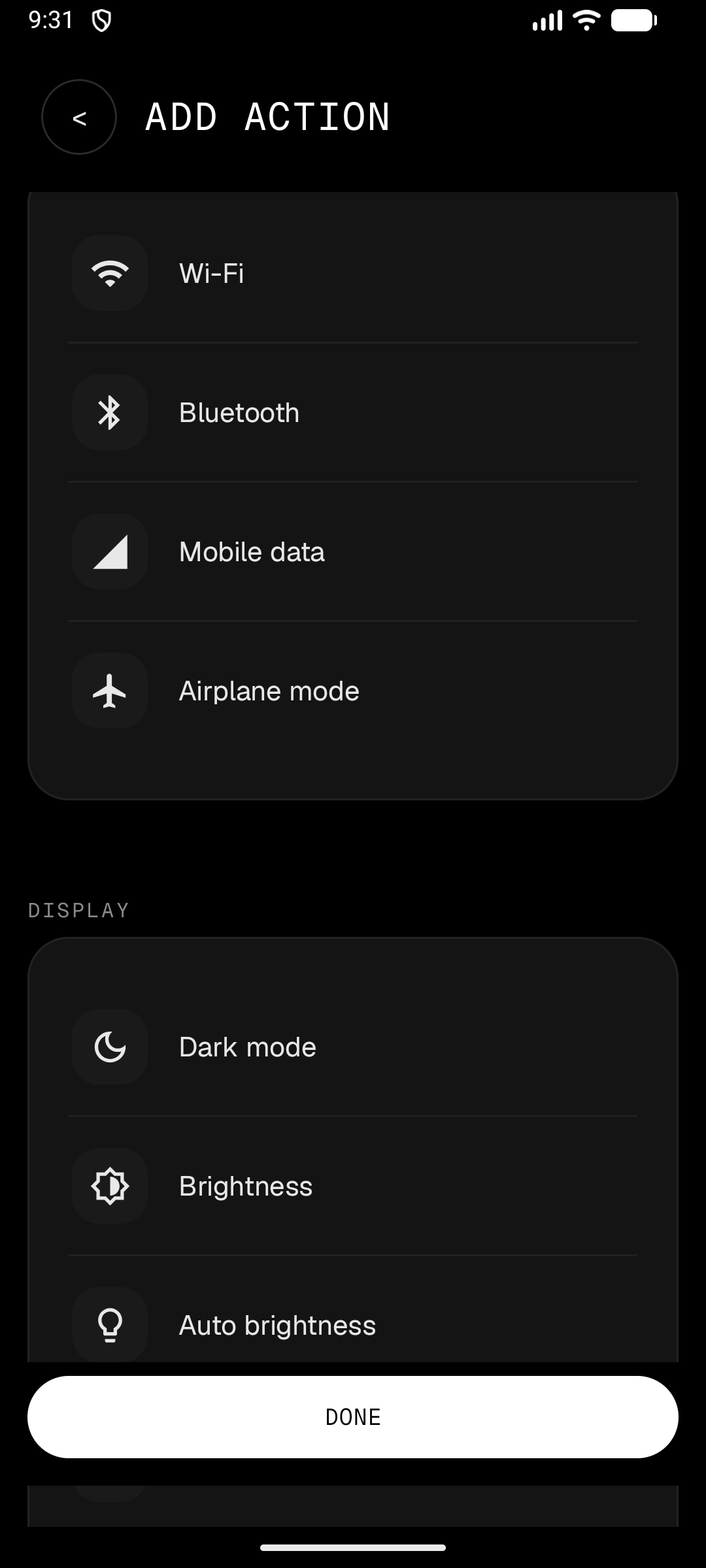
Built like a premium system app: OLED-black surfaces, monoline iconography, dot-matrix hero type, and a single red accent. The engine is pure Kotlin; the UI is Jetpack Compose. Shizuku and Nothing Glyph are supported, not required.
What it does
- Modes — persistent or event-based automations (Sleep, Work, Gaming, or event triggers) with optional conditions, actions, and automatic state restoration.
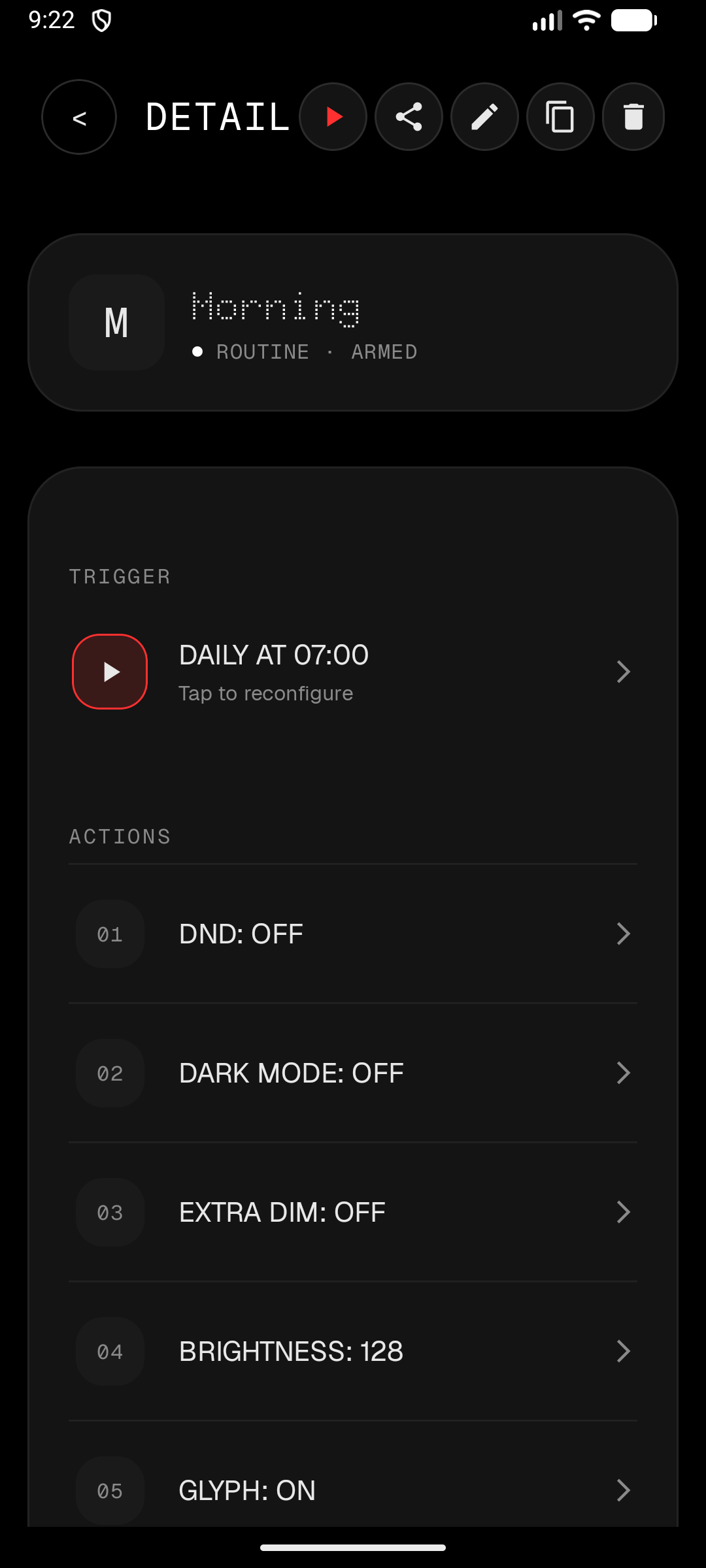
- WHEN / ONLY IF / THEN builder — explicit, no confusion about what runs when.
- Nothing Glyph / Glyph Matrix — light stripe and matrix on supported devices.
- Shizuku — optional, graceful degradation everywhere else.
- Capability detection — the app asks what the device can do instead of guessing.
- Priority + cooldown + conflict resolution — deterministic ordering, overlap suppression, and fire cooldown.
- Import / export / share — JSON bundles with schema versioning.
- Privacy-first diagnostics — no analytics SDKs; crash reports are opt-in, and after a crash the app shows the error and asks before anything is sent.
Glyph support
| Device | Glyph Stripe | Glyph Matrix | Glyph Toy |
|---|---|---|---|
| Nothing Phone (1) | Yes | No | No |
| Nothing Phone (2) | Yes | No | No |
| Nothing Phone (2a) / (2a)+ | Yes | No | No |
| Nothing Phone (3a) / (3a) Pro | Yes | No | No |
| Nothing Phone (3) | Yes | Yes (25x25) | Yes |
| Nothing Phone (4a) | Yes | No | No |
| Nothing Phone (4a) Pro | Yes | Yes (13x13) | Yes |
| Nothing Phone (4b) | Yes | No | No |
| Non-Nothing devices | No | No | No |
How Glyph output works — read this first
Nothing OS hands the Glyph interface to one selected toy at a time. Whoever owns the current Glyph Toy slot (or the Always-on toy slot) is the only app whose frames reach the lights. There is no API to switch that selection programmatically — Nothing controls it.
What this means in practice:
- To see Nothing Modes output, select Nothing Modes in Settings → Glyph Interface → Glyph Toys (or as the Always-on toy). The Glyph Preview screen in the app has shortcut buttons to both pickers and shows a live "Matrix owner" status.
- We cannot trigger other apps' Glyph Toys. Toy apps can be bound and sent lifecycle messages, but their frames never reach the lights while another toy owns the slot — we verified this on-device. Nothing Modes renders its own equivalents (battery ring, progress, text, marquee, icons) instead.
- If another toy is selected, Glyph actions fail honestly with "matrix owned by another toy" instead of pretending to render. Check the "Matrix owner" row in Settings → Glyph Preview — it always shows who currently controls the lights.
This exclusivity is Nothing's platform rule, not a limitation we chose. If Nothing ever exposes a public toy-switching API, we will use it.
Build
./gradlew assembleDebug
./gradlew :engine-core:test
./gradlew :ui:lintDebug
Requires JDK 17+ and Android SDK API 36.
Architecture
app
├── ui                 — Compose screens, theme, design primitives
├── automation-android — services, receivers, scheduler
│   ├── engine-core    — pure Kotlin engine
│   ├── data           — Room stores
│   ├── capabilities   — action executors, capability resolver
│   ├── core-shizuku   — Shizuku gateway
│   ├── device-tools   — shell-based state readers
│   └── nothing-integrations — Glyph SDK wrapper
The engine resolves each action through: Public Android API → Nothing API → Shizuku → settings panel fallback.
Modules
| Module | Role |
|---|---|
engine-core | Pure Kotlin automation engine |
device-tools | Shell-based device state readers |
automation-android | Android lifecycle, services, receivers |
ui | Jetpack Compose screens and design system |
core-shizuku | Shizuku privileged shell transport |
capabilities | Action executors and resolver |
nothing-integrations | Nothing Glyph SDK wrapper |
data | Room persistence |
app | Entry point and nav host |
Quick start
- Install on Android 9+.
- Follow the in-app onboarding for restricted settings and optional Shizuku.
- Create a mode from the builder, a template, or a shared JSON link.
- Automations fire on triggers, check conditions, then execute actions in order.
Templates and sharing
Community templates live in templates/ — browse them in-app via the grid icon on the Modes screen. To contribute one, see templates/README.md.
Share any mode from the detail screen as a JSON bundle. Bundles carry schemaVersion, appVersion, and requiredCapabilities, so imports across users and app versions show compatibility warnings before anything is written.
Shizuku
Optional. Without it, every action still resolves — silent where the platform allows, a jump to the right settings panel where it doesn't. Shizuku turns the panel fallback into a silent toggle.
Verified on Nothing Phone 3, Nothing OS 4.1, Android 16:
| Action | Without Shizuku | With Shizuku |
|---|---|---|
| Wi-Fi, mobile data, hotspot | connectivity panel | silent toggle |
| Airplane mode | airplane settings | silent toggle (cmd connectivity) |
| Battery saver, data saver, auto-sync | settings panel | silent toggle |
| Always-On Display, extra dim | display settings | silent toggle |
| Location mode, refresh rate | settings panel | silent toggle (secure table) |
Arbitrary WriteSetting | permission-required | silent toggle |
| NFC | NFC panel | NFC panel — svc nfc is killed on Nothing OS 4.1 even for shell; platform limitation |
| Screenshot | per-capture consent (MediaProjection) | same |
| Everything else — Glyph, volume, ringer, DND, brightness, dark mode, rotation, flashlight, notifications, media, clipboard, app/URL launch, lock screen, SMS | runtime permissions only | unchanged |
Get Shizuku from GitHub or the Play Store, then grant it inside the app's settings sheet.
Testing
./gradlew :engine-core:test
./gradlew connectedCheck
Documentation
License
GPL-3.0
Authored By: TDvorak info@tdvorak.dev
Release Notes & Changelog
What's Changed
- feat(geofence): deactivation policies, position gate, background-location fix by @Dvorinka in https://github.com/Dvorinka/Nothing_Modes/pull/28
Full Changelog: https://github.com/Dvorinka/Nothing_Modes/compare/v0.19.6...v0.19.7
Declared Android Permissions
39 totalShizuku API Permissions
This application connects to the Shizuku service to execute system-level operations with ADB elevated privileges.
Standard Android Permissions
Specifications
Install via ShizuStore to enable automatic updates and silent installations using Shizuku.
More in Automation
Other applications in this category


vFlow
ChaoMixian
Visual automation tool that combines tapping, recognition, branching, and system actions into approachable workflows