Smart Edge
v1.3.6Screenshots
(6)About Application
Smart Edge: Sidebar & Gestures
A highly customizable Android side panel inspired by OriginOS.
Access your favorite apps, tools, and shortcuts with a single swipe.







 | 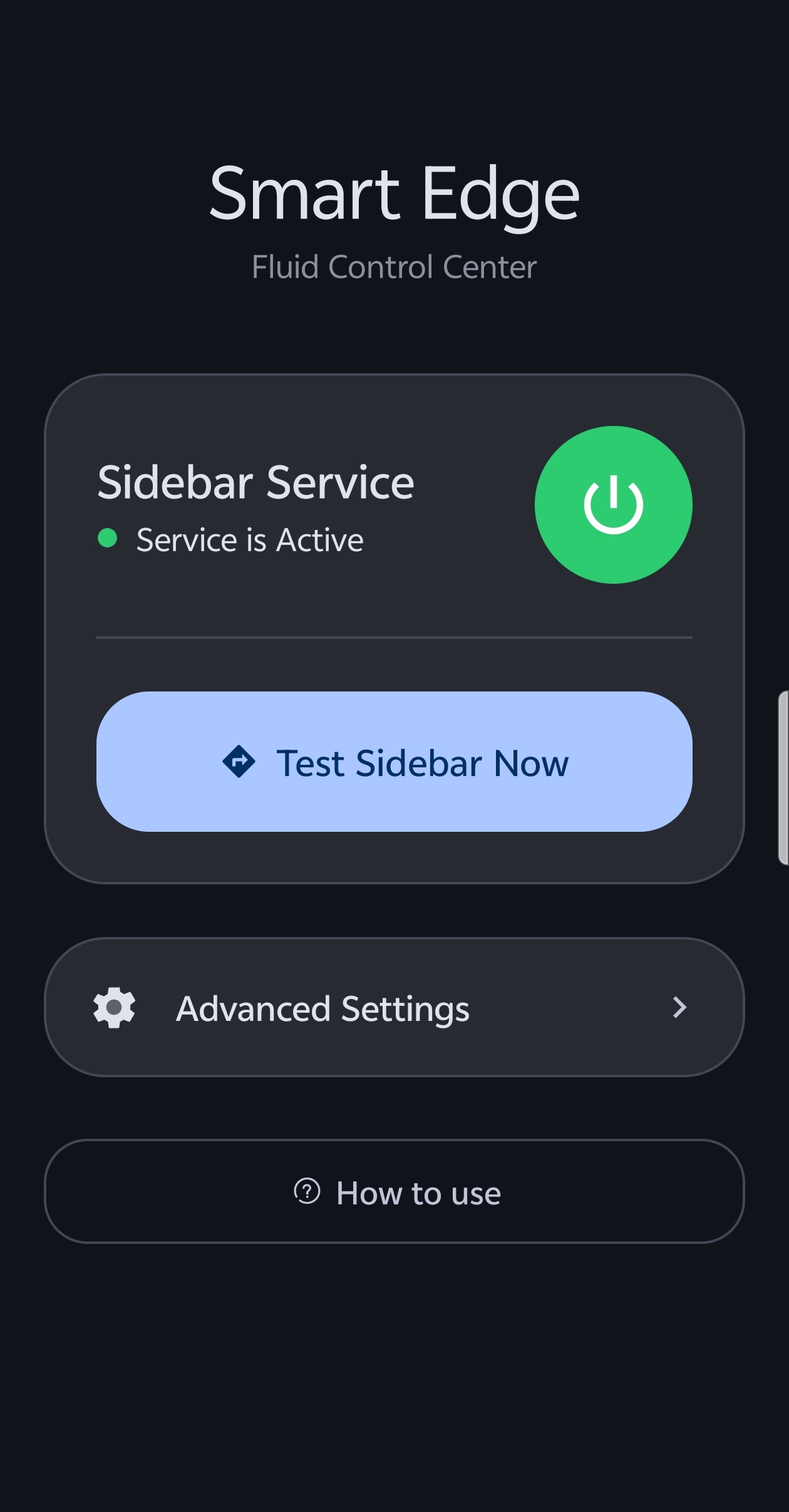 | 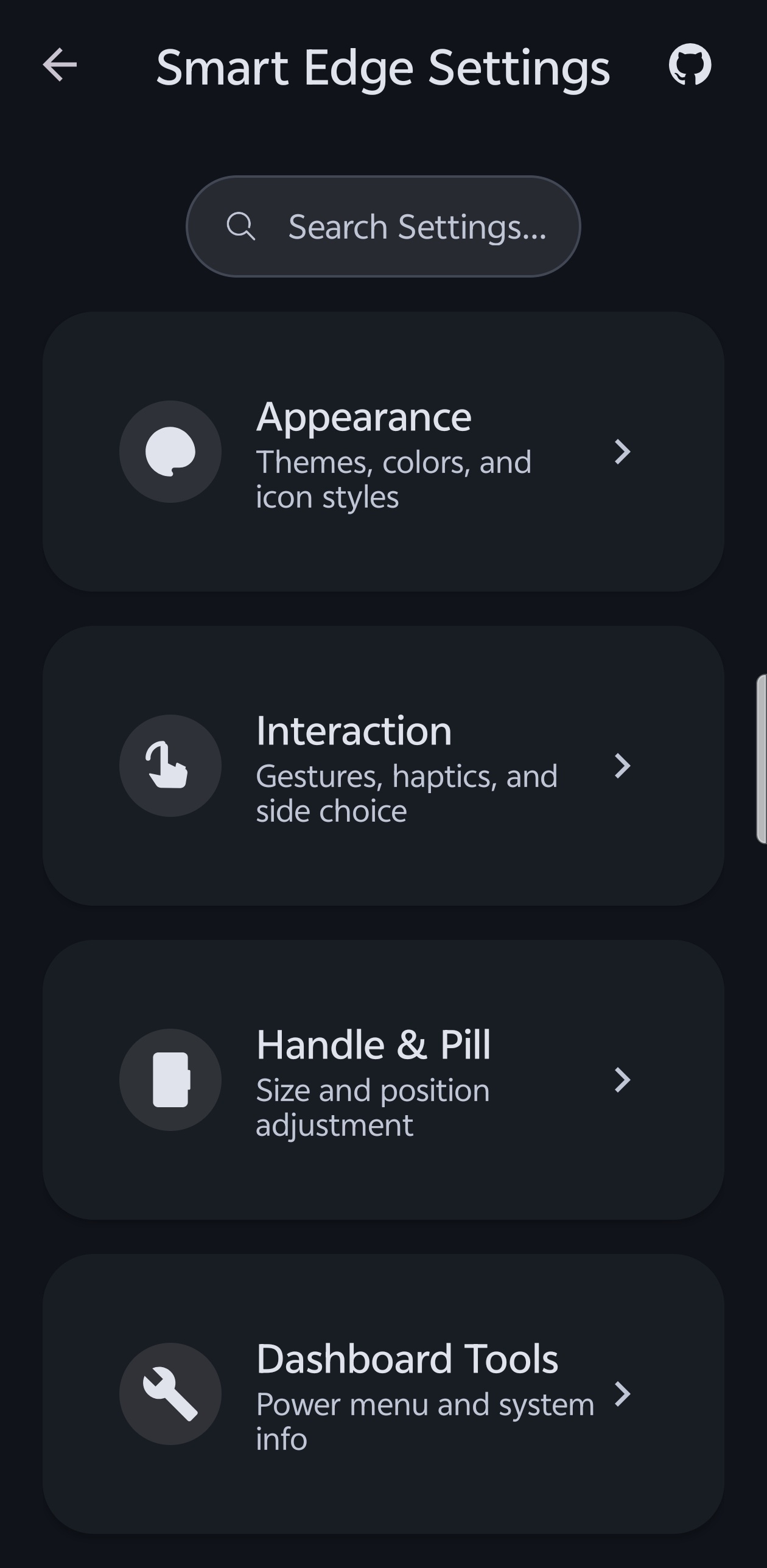 | 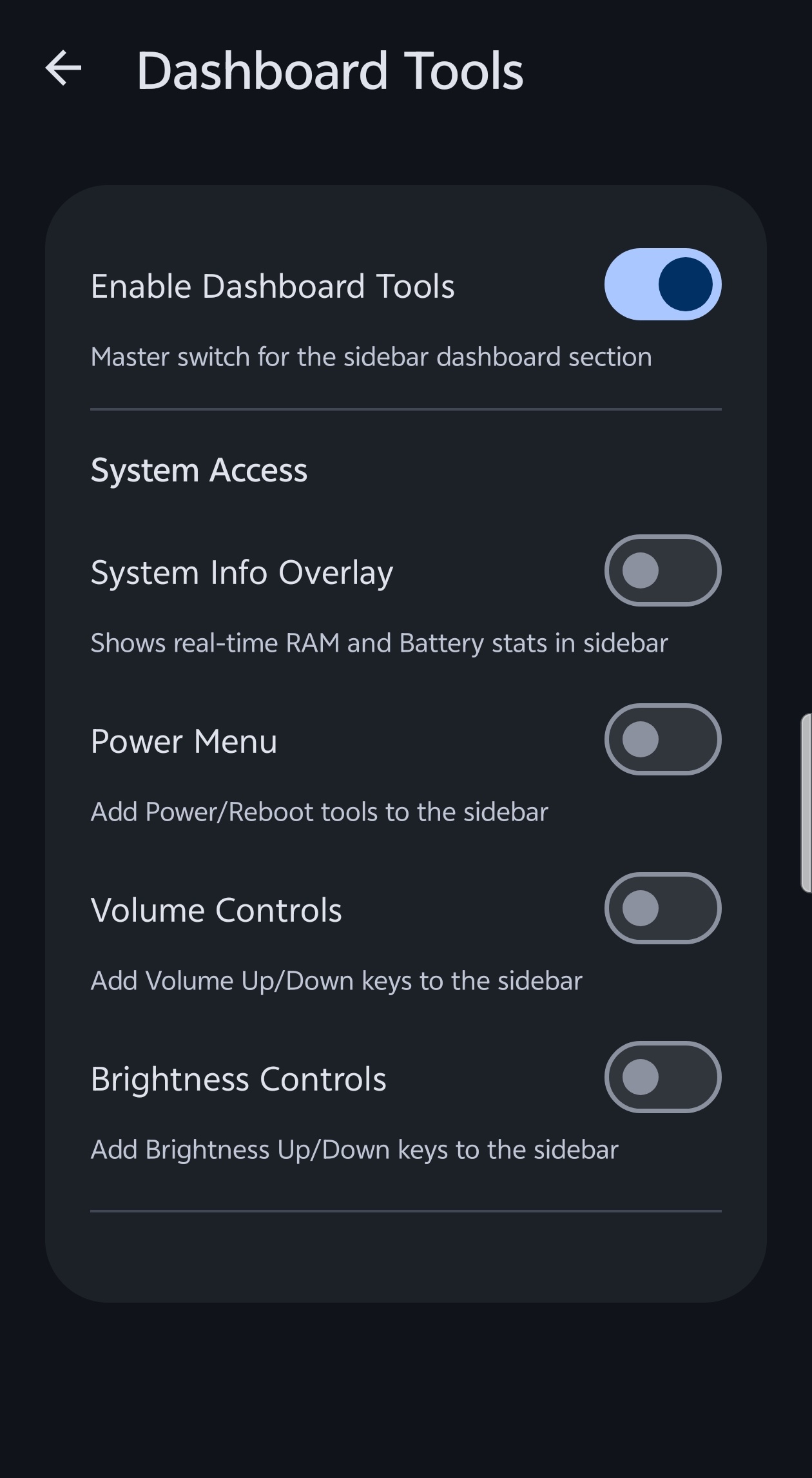 |
Key Features
- Custom UI Themes: Choose from OriginOS, HyperOS (Glass), Realme UI, and Rich UI styles.
- Glassmorphic Blur: High-quality real-time background blur with adjustable intensity (Optimized for Android 12+).
- Material You: Full support for dynamic accent colors and Material 3 components (Supports Android 12+ dynamic colors).
- Smart App Picker: Integrated search and management system to pin your most-used apps.
- Utility Tools: Built-in tools like Screenshot (one-tap) shortcut, Volume and Brightness controls.
- Premium Motion: Physics-based spring animations with customizable feel (Calm to Instant).
- Edge Gestures: Responsive edge-swipe triggers with adjustable height, width, and position.
- Icon Customization: Full support for Icon Packs and custom icon shapes (Circle, Squircle, Square).
- Productivity Hub: Active notifications section with instant Freeform Window launching.
- Multitasking: Drag-and-drop apps to Split-Screen or Freeform mode.
- Manual Hide: Select specific apps where the sidebar handle will automatically hide itself.
How to Use
- Install: Download and install the latest APK.
- Permissions:
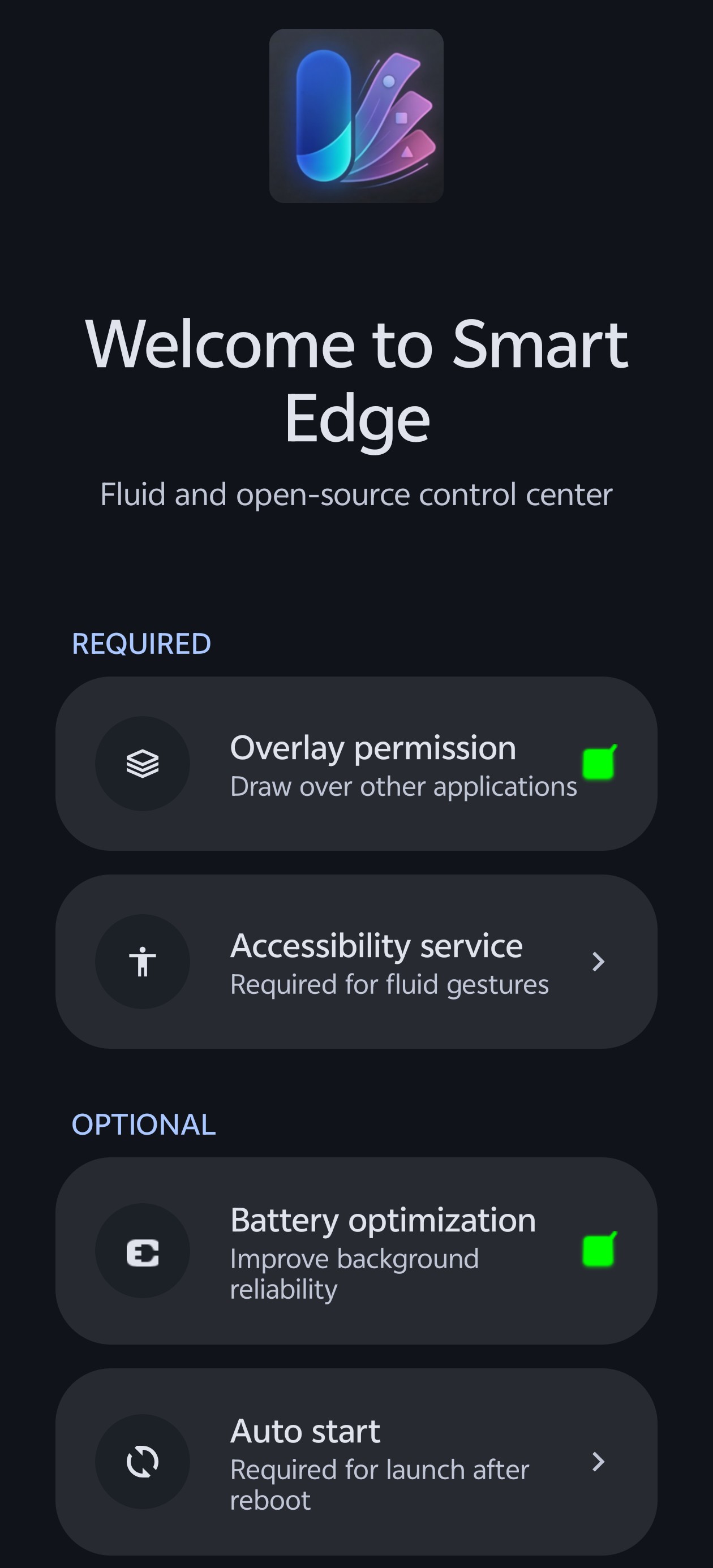
- Grant "Display over other apps" to allow the panel to float.
- Enable "Accessibility Service" for gesture auto-close and system shortcuts.
- Enable "Notification Access" for the Productivity Hub.
- Setup: Open the app and follow the onboarding guide to activate the service.
- Gesture: Swipe from the edge of your screen (where the handle is) to open your new panel!
Customization
Smart Edge is built to be yours. In the settings, you can adjust:
- Interaction: Gesture sensitivity, haptic feedback, and scroll memory.
- Animation: Choose your preferred animation speed (Calm, Balanced, or Snappy).
- Appearance: Background opacity, corner radius, blur intensity, icon scaling, and grid columns.
- Position: Move the trigger handle to either the left or right side and adjust its vertical offset.
Requirements
- Android 8.0 (API 26) or higher: Standard requirement for core functionality.
- Accessibility Service: Required for core interaction and multi-window features.
- Android 12+: Recommended for native real-time background blur and Material You dynamic color support.
Technical Details
- Kotlin: Written entirely in Kotlin for safety and performance.
- Spring Physics: Powered by
androidx.dynamicanimationfor natural, fluid motion. - Material 3: Implements the latest Material Design components and styling.
- Clean Architecture: Separated concerns between Service, Repository, and UI layers.
- Optimized Rendering: Uses hardware-accelerated layers and LruCache for smooth, lag-free icon loading.
License
This project is licensed under the MIT License - see the LICENSE file for details.
Credits & Acknowledgments
This project is made possible thanks to the following open-source contributions and inspirations:
- SmartDock (Axel358): Conceptual inspiration and desktop-style interactions on Android.
- HiddenApiBypass (LSPosed): A critical library for enabling access to restricted windowing and system APIs.
- ColorPickerView (skydoves): Modern and effective color picker for UI customization.
- Glide: Efficient media management and image loading framework for Android.
Built for the Android Community
Release Notes & Changelog
- fix(ui): Resolved crash in Handle settings by expanding vertical offset range and safely clamping out-of-bounds positions.
- fix(multitasking): Fixed freeform window feature to correctly spawn floating windows with system caption bars and better orientation detection.
- fix(multitasking): Restored the missing Multitasking & Windowing settings section (Freeform and Split-screen toggles) to the dashboard.
- fix(ui): Fixed invisible pill graphic issue by using correct system defaults for reset actions and forcing synchronous redraws.
- feat(automation): Improved Native Gesture Engine dialog feedback to accurately and instantly reflect Root/Shizuku active connection states.
- fix(multitasking): Smoothed out freeform window launches by switching to native system transitions instead of custom fade animations.
Declared Android Permissions
14 totalShizuku API Permissions
This application connects to the Shizuku service to execute system-level operations with ADB elevated privileges.
Standard Android Permissions
Specifications
Install via ShizuStore to enable automatic updates and silent installations using Shizuku.
More in Customization
Other applications in this category

TapTap
KieronQuinn
Port of the double tap on the back of the device feature from Android 12 to any Android 7.0+ device

essentials
sameerasw
Essential tools, mods and workarounds for Pixels. Also compatible with other devices