
AppDualZuku
v1.5Screenshots
(4)About Application
AppDual (formerly AppDualZuku with only Shizuku support, now comes with root)
A multi‑instance app manager powered by Shizuku or root.
Overview
AppDual is a lightweight utility that uses Shizuku or root privileges to manage Android workspaces (Managed Profiles).
It allows you to create isolated or shared environments for apps, enabling multiple parallel installations of the same application without heavy virtualization.
⚠️ Important Warning
-
Always back up your files before performing any workspace‑related operations. Creating or removing managed workspaces involves Android’s multi‑user system; unexpected behavior from OEM restrictions may lead to data loss or even bootloop. Proceed only if you understand the risks.
-
Some of the custom rom may limit the number of workspace and clonespace corresponding to the use profile. This may prevent this app creating workspaces. In this case, if you have root access with xposed, AlwaysCreateUser is recomended to bypass the limits.
⚠️ 重要提醒
-
在进行任何与工作空间相关的操作之前,请务必备份。创建或删除工作空间涉及 Android 多用户系统,某些 OEM 限制可能导致数据丢失风险甚至设备启动问题。请在充分了解风险并完成备份后再继续。
-
部分定制 ROM 可能会根据所用用户配置文件限制工作空间和克隆空间的数量,从而导致本应用无法创建工作空间。此时,如果您拥有 root 权限并安装了 Xposed,建议使用 AlwaysCreateUser 来绕过此限制。
🚀 Getting Started
-
Choose an execution mode: AppDual can run
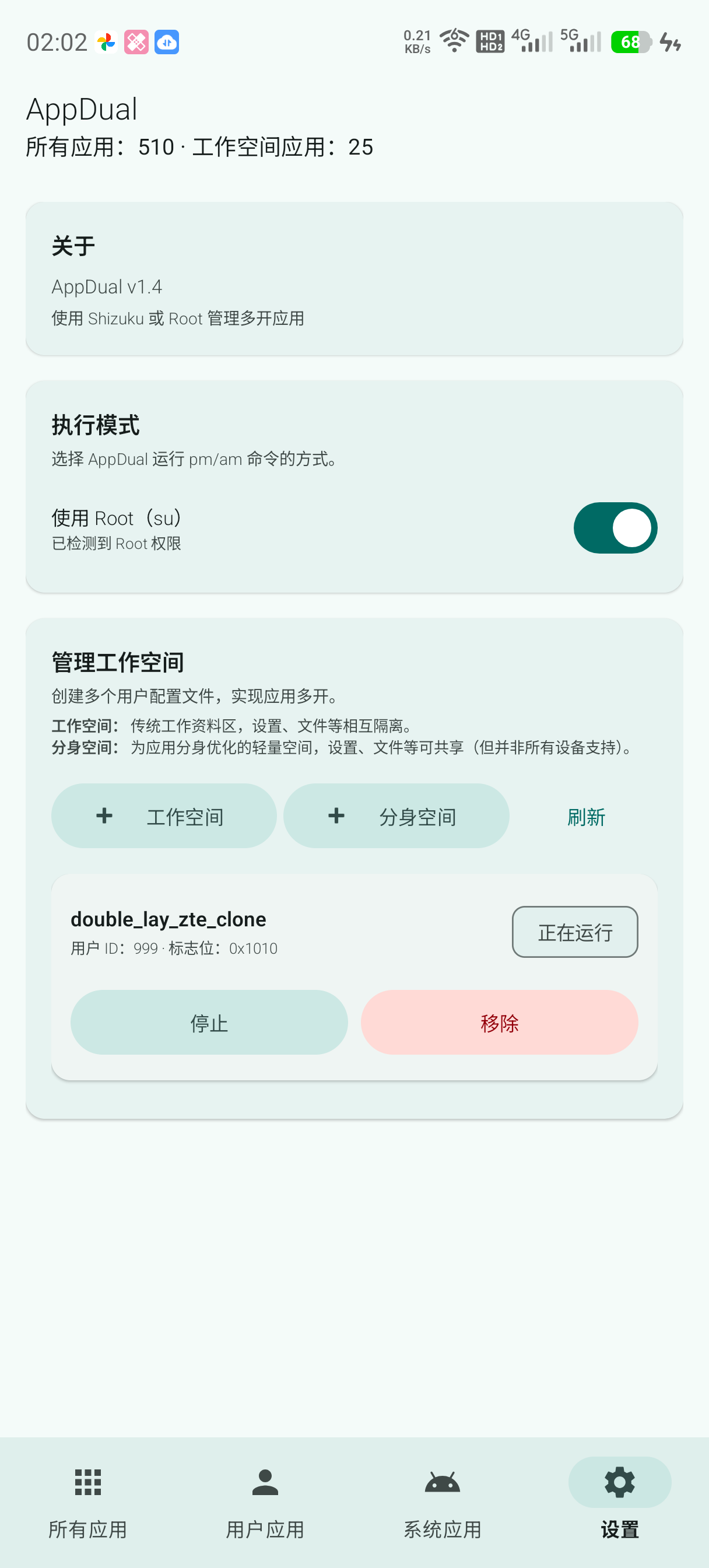
pm/amcommands either through Shizuku or directly through root (su) — toggle this in the Settings tab under "Execution Mode". Root, if detected, bypasses Shizuku/ADB entirely.(Note: In some devices, you need to allow Shizuku full permission of auto-start/chained wake-up/mutual wake-up, or battery usage unlimited.)
-
Permissions: Grant the app Shizuku permissions when prompted (not needed if using root).
-
Management: Use the Settings tab to create a new profile (Managed/Clone) if not exist, or you can edit packages in an existing workspace.
(Note: Managed space is an isolated environment from main user while cloned space using shared storage. Cloned space may not work in all devices.)
-
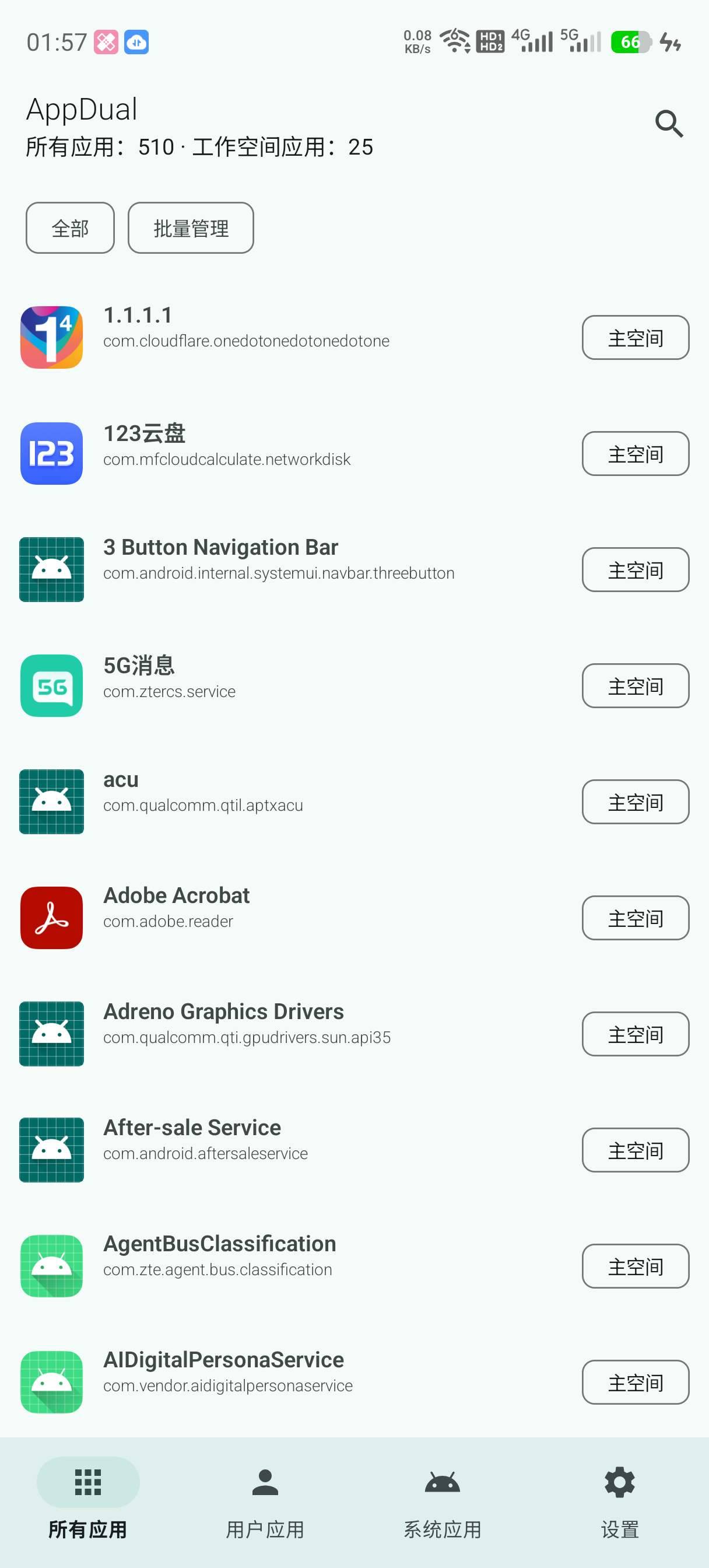
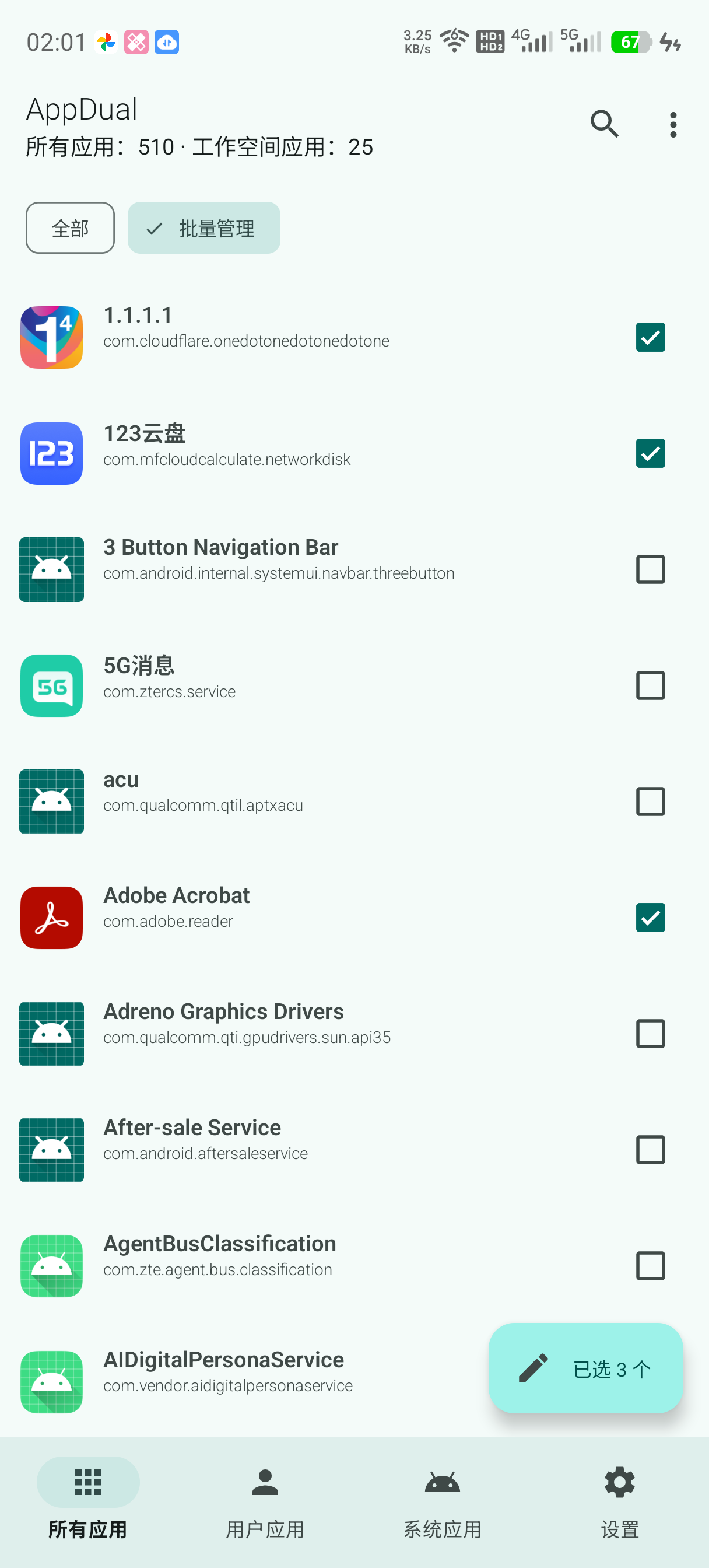
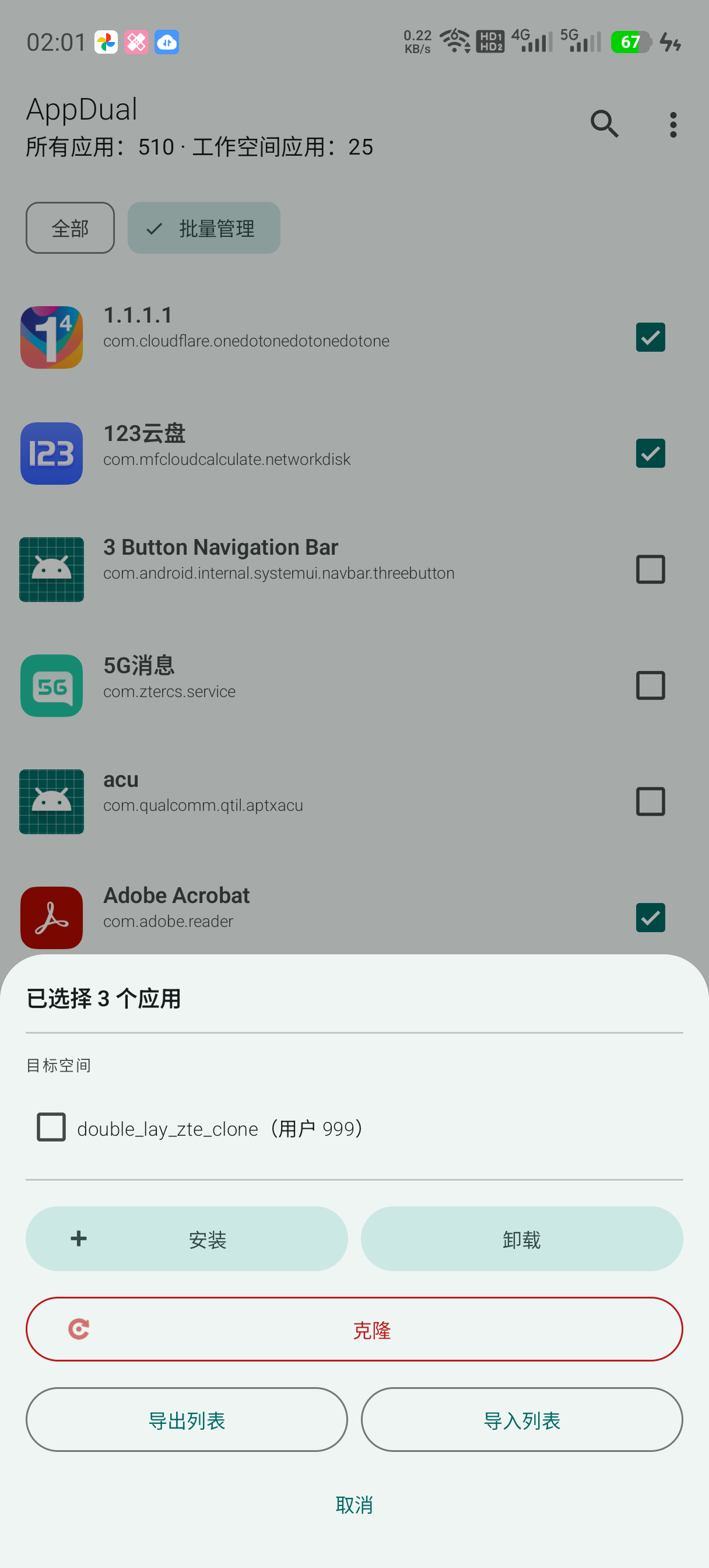
Batch management: Long‑press any app (or tap "Batch Manage" in the app list) to enter selection mode, pick apps, then tap the floating button to install/uninstall/clone them across workspaces, or export/import the selection as a list.
📸 Screenshots (English UI supported)
⚖️ License
This project is licensed under the GNU General Public License v3.0 (GPLv3). You may copy, distribute, and modify the software as long as modifications are documented and remain under GPLv3. For the full license text, please search for the GNU GPL v3.0.
Release Notes & Changelog
AppDual v1.5
Feature release on top of v1.4.2.
Added
- Per-space filters: the old cycling All / In-workspace / Main-only chip is replaced with a multi-select chip row generated from your device's actual spaces — All, Main, and one chip per managed/cloned workspace (e.g. Clone1, Work1). Tap any combination of space chips to show apps installed in those spaces; tapping All clears the others. Chips wrap onto multiple lines so they're all visible without swiping.
- Keep app data on uninstall: a "keep app data" checkbox on the app-actions and batch-actions sheets runs
pm uninstall -k, applied consistently across single uninstall, batch uninstall, and clone-sync uninstalls. - Uninstall from Main: apps can now be uninstalled from Main directly, not just from workspaces. If the app is still installed in another space, a warning explains that it'll disappear from AppDual's list (which is sourced from Main's own package list) while continuing to work in that other space, before letting you continue.
- Custom workspace names: long-press "Managed" or "Cloned" in Settings to name a new workspace yourself instead of using the auto-generated Work1/Clone1 name, with validation before creation.
🤖 Generated with Claude Code
Declared Android Permissions
3 totalShizuku API Permissions
This application connects to the Shizuku service to execute system-level operations with ADB elevated privileges.
Standard Android Permissions
Specifications
Install via ShizuStore to enable automatic updates and silent installations using Shizuku.
More in Software management
Other applications in this category

Hail
aistra0528
Freeze, hide, or disable any app. Create and organize app groups that can be frozen with one click.