
AndroidHarness
v3.4About Application

AndroidHarness
An AI coding agent and chat assistant that runs on your Android phone.
No PC needed. No root needed.




About
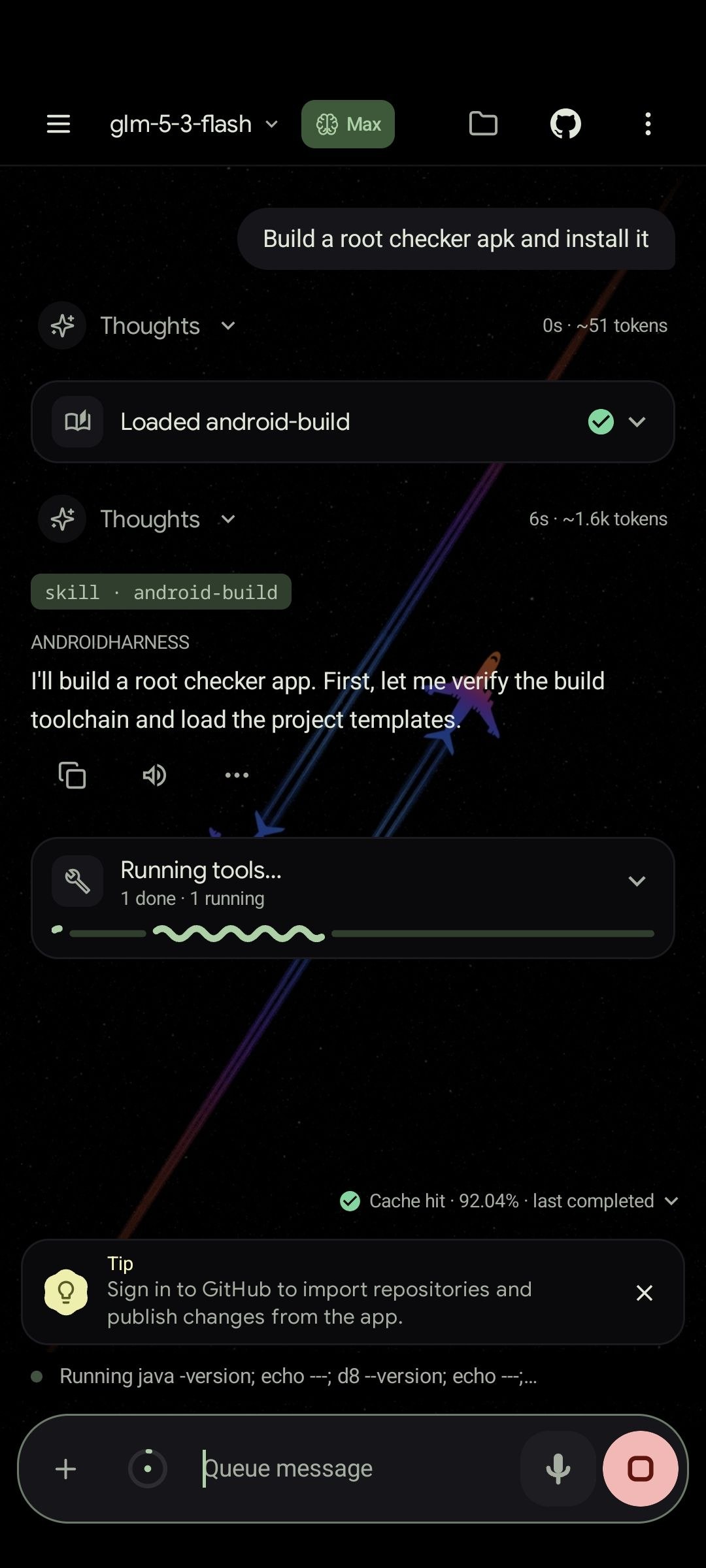
AndroidHarness is a native Android app, written in Kotlin with Jetpack Compose, for working on real code projects from your phone. The agent reads and edits files, runs commands in a real Linux toolchain (bash, git, python, node), pushes to GitHub, drives a browser, and shows every step in a chat you can inspect.
The app has two sections:
- Code is the agent. It works inside a project folder with files, shell, git, tests and browser tools.
- Chat is for everyday questions, research, writing and brainstorming. It uses read-only tools and can hand work over to Code when a conversation turns into a project.
You can start for free with the built-in provider, which needs no account, or run models fully offline on the device.
Screenshots
 Code agent at work | 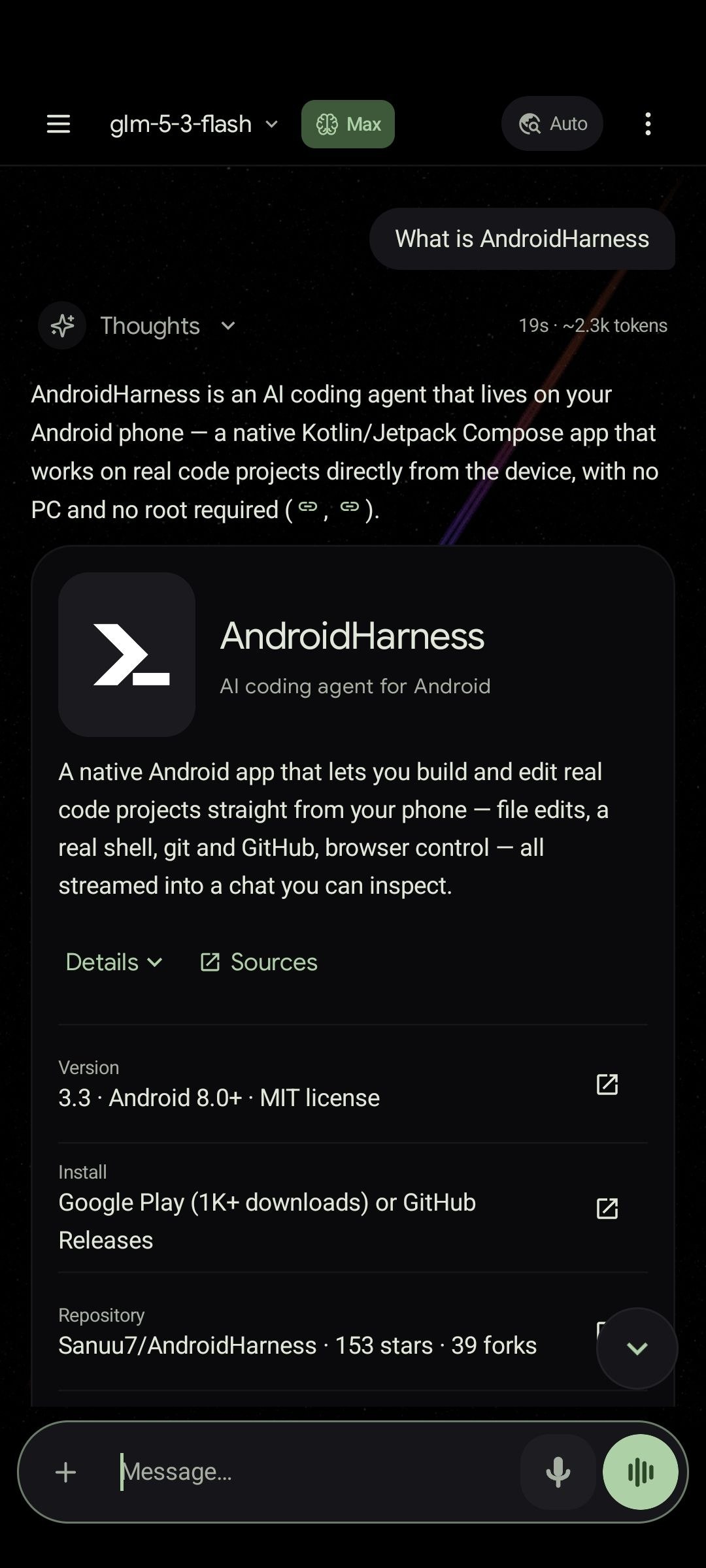 Chat with rich answers | 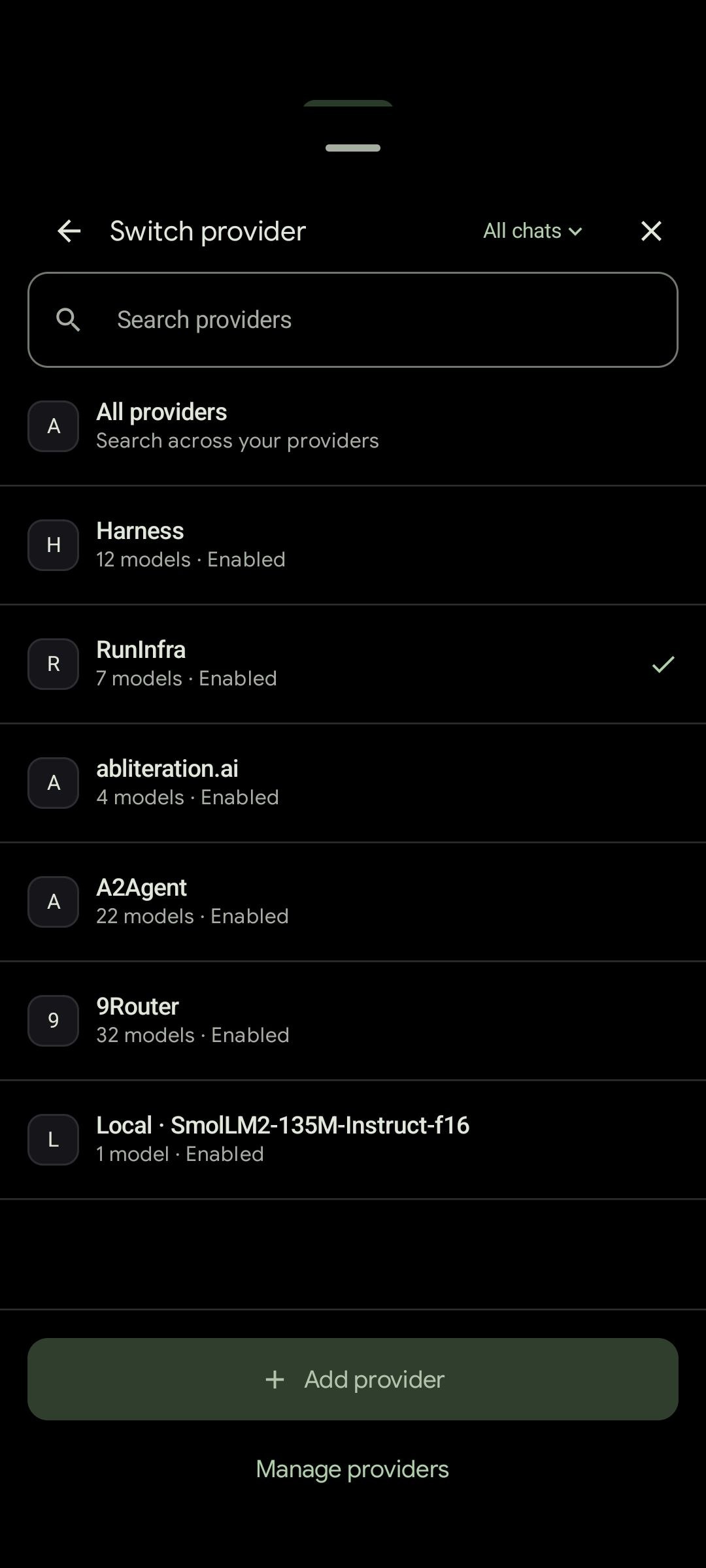 Switch providers | 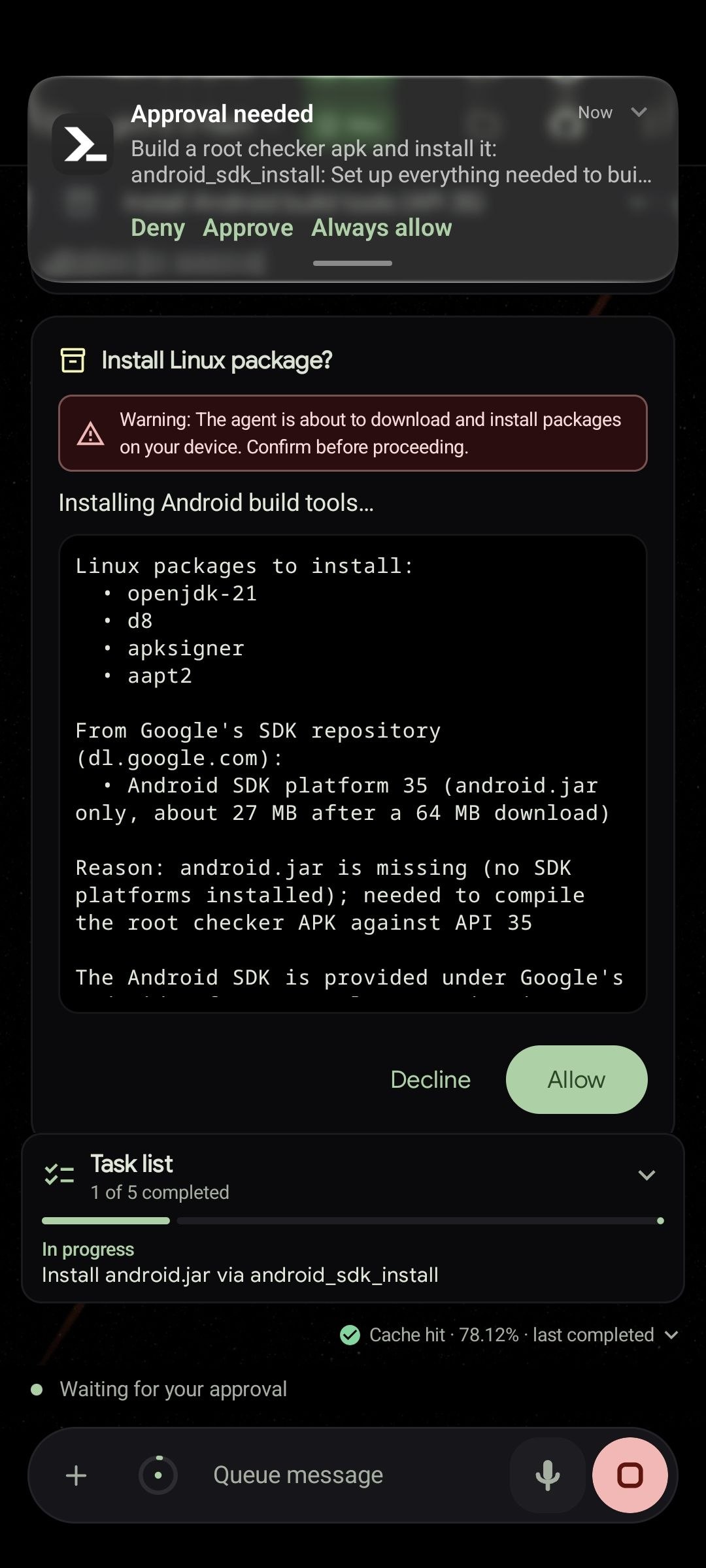 Approve before installs | 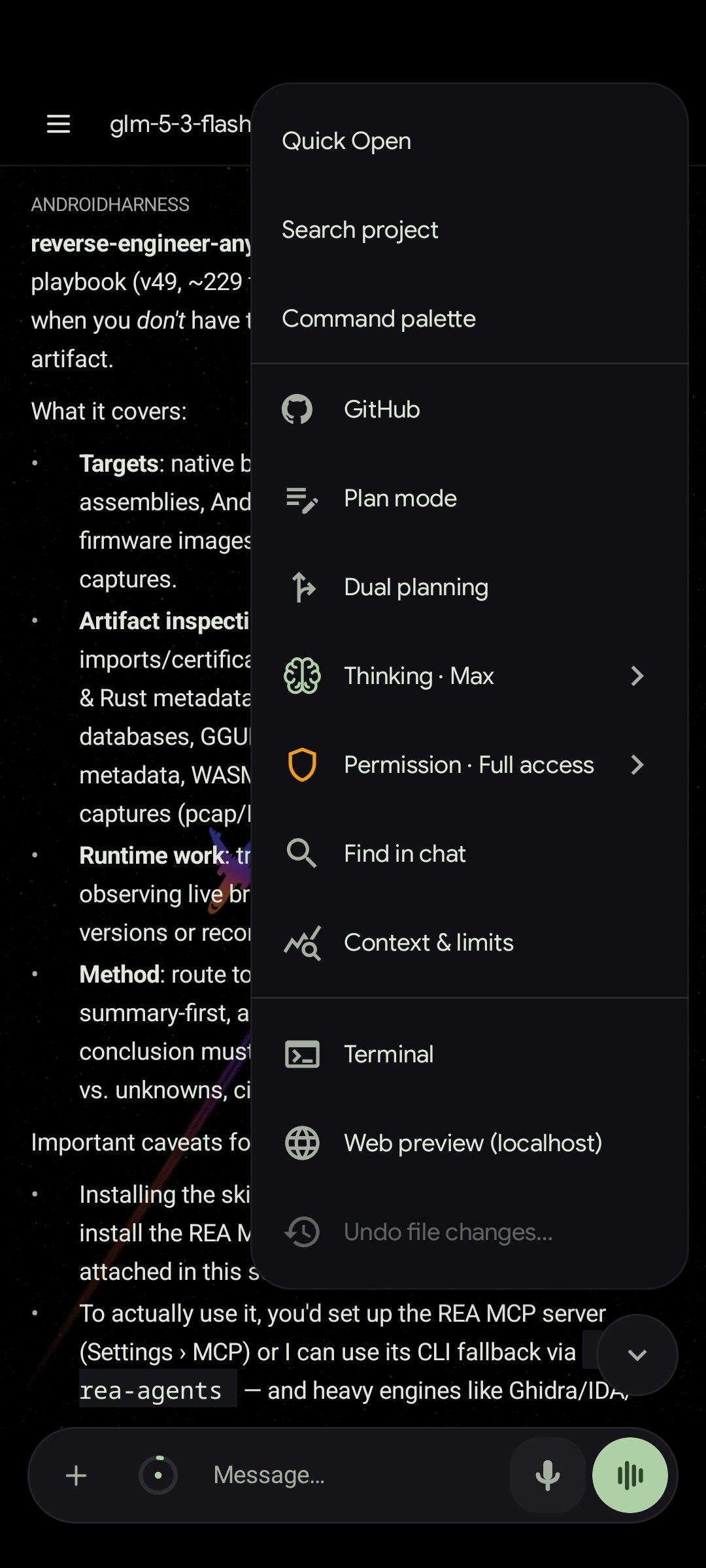 Chat tools and modes |
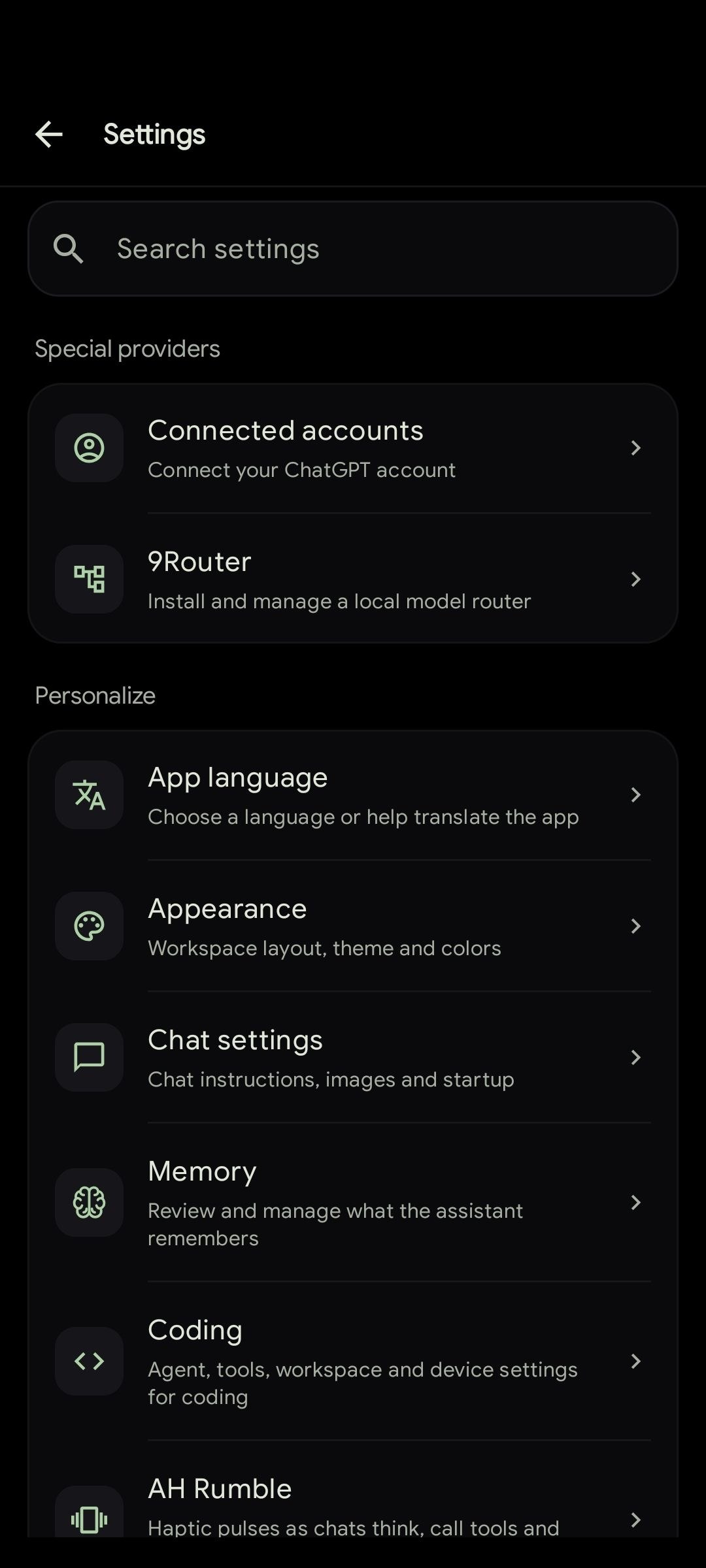 Settings | 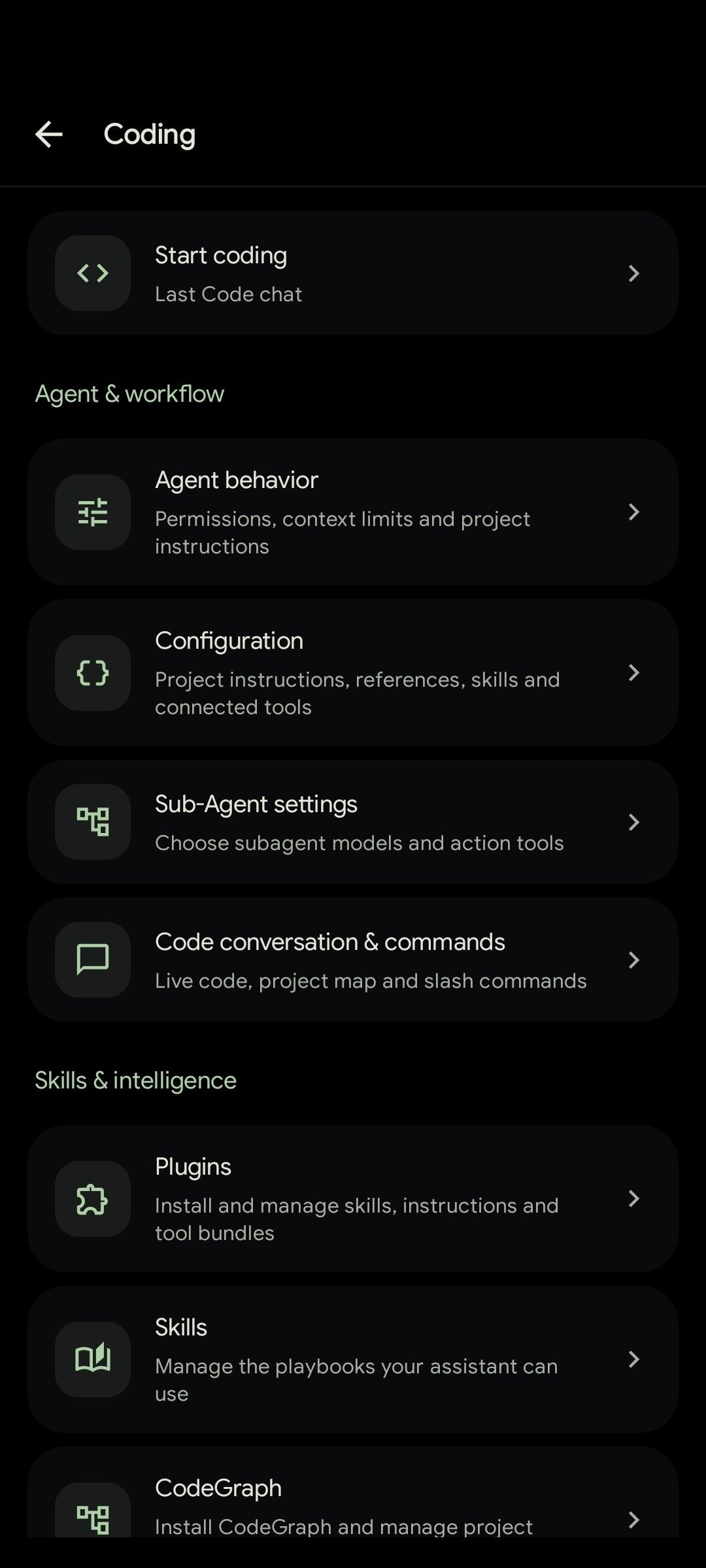 Coding settings | 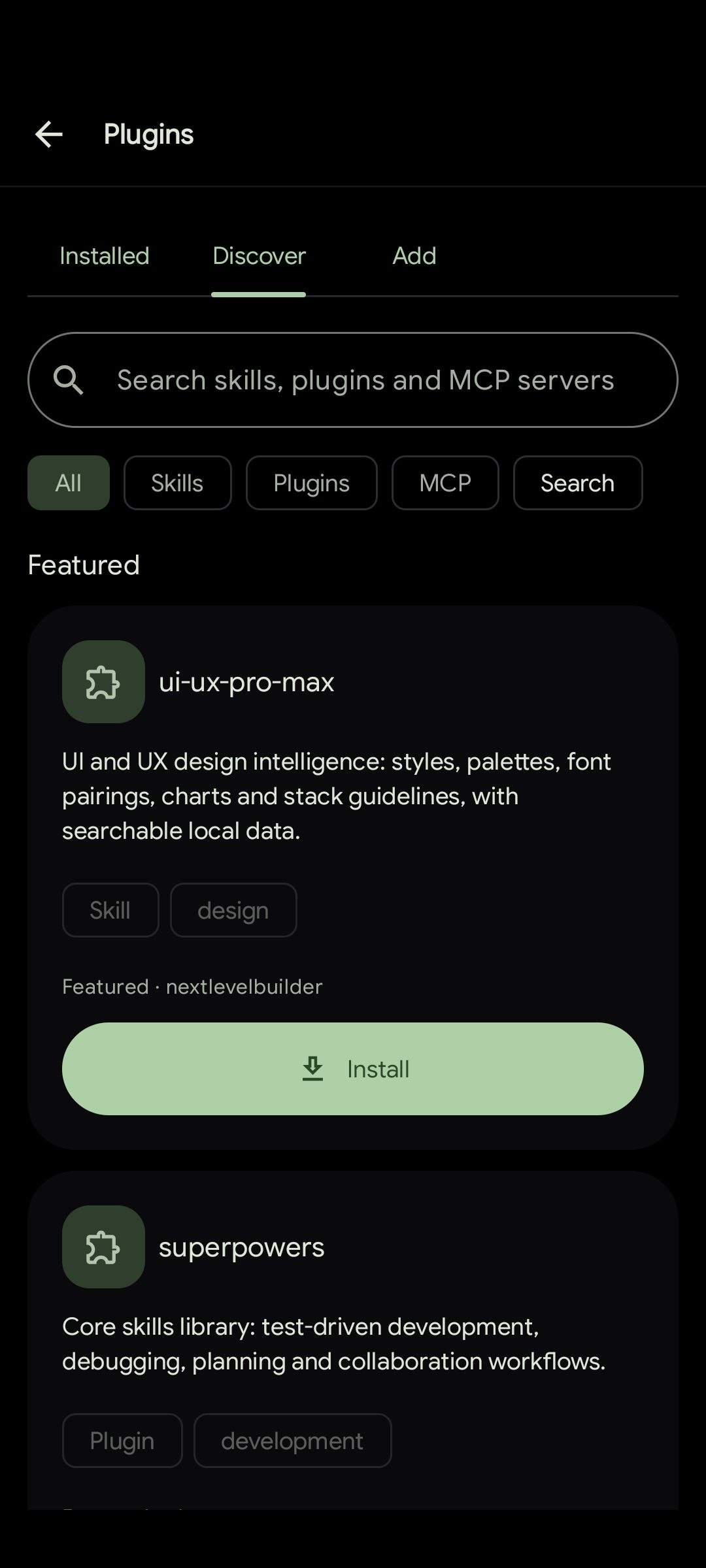 Plugins and skills | 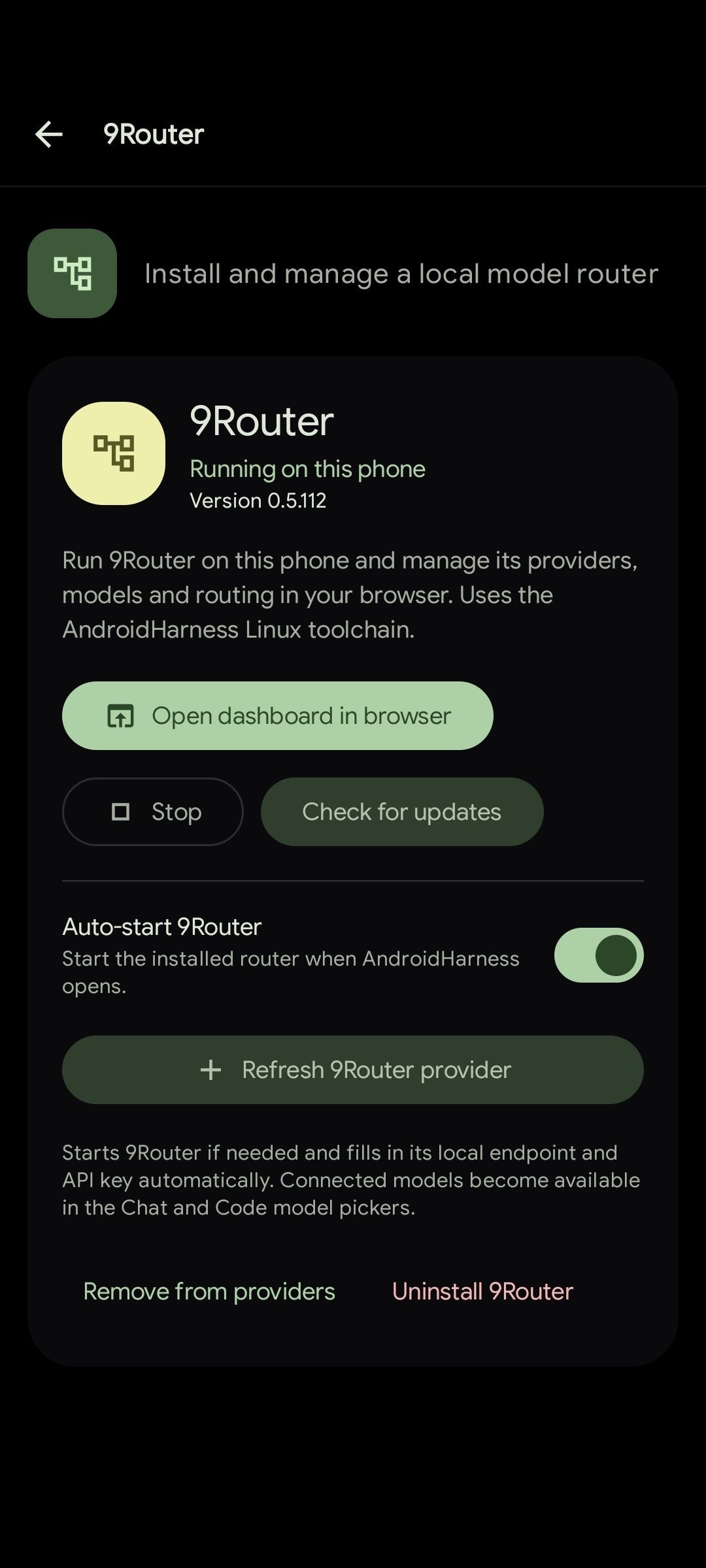 9Router on the phone | 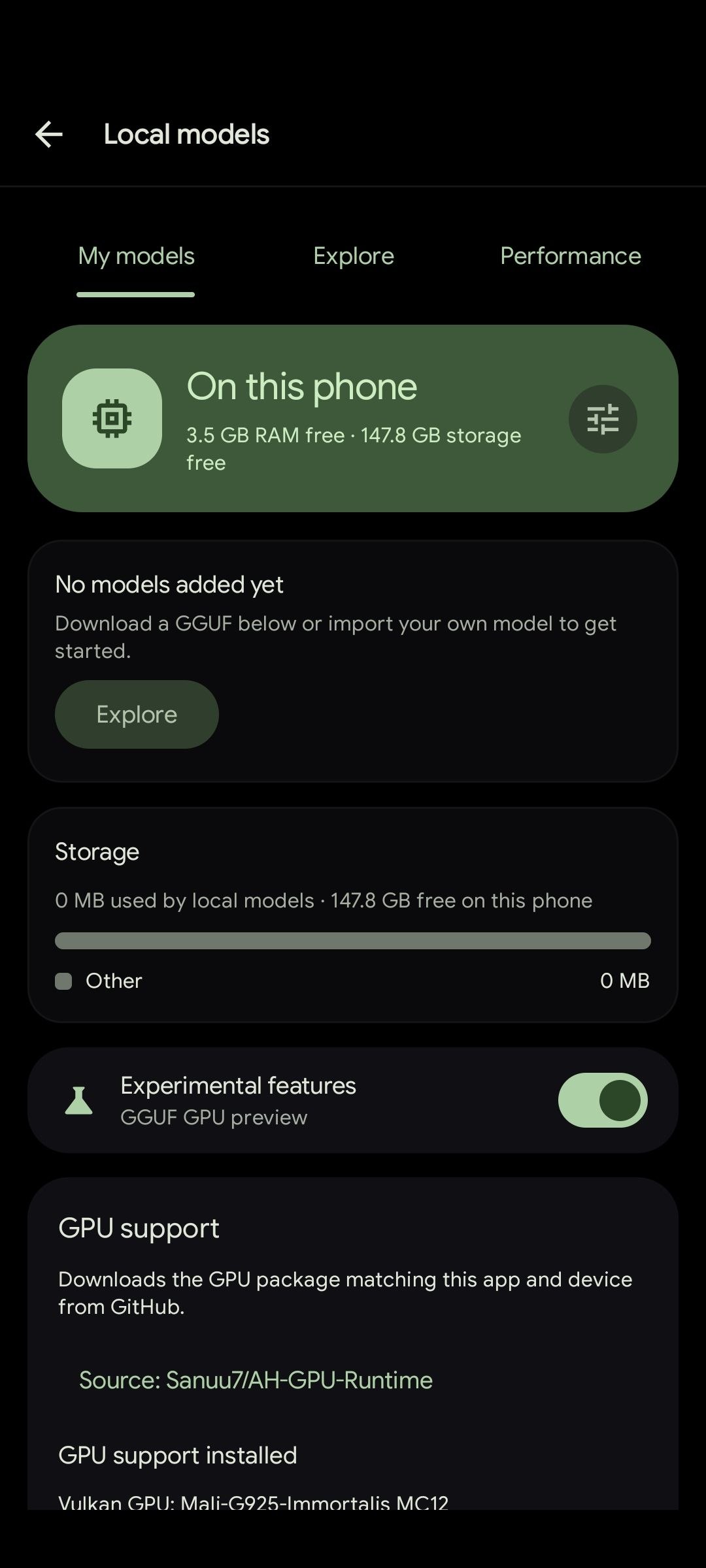 Offline local models |
Highlights
- A real coding agent. File edits, shell, git, tests, browser control and subagents. Every tool call gets a card you can open to see exactly what happened.
- A real shell. Commands run through Shizuku, Wireless ADB pairing, optional root, a Termux-based Linux toolchain, or a toybox fallback. A shell policy and a secret redactor sit on top.
- Free to start. The built-in keyless provider works without sign-up, and local GGUF models run offline. Cloud API keys and ChatGPT accounts are optional.
- Many providers. Anthropic, Google Gemini, ChatGPT accounts, any OpenAI-compatible endpoint, and fallback chains that switch models when one fails.
- Plugins, skills and MCP. Install plugins from npm, GitHub, Claude marketplaces, archives or a folder on the phone. Connect MCP servers over stdio or HTTP.
- Built for long runs. A foreground service, resume cards, a saved message queue and optional auto-continue keep work safe when the screen turns off or the connection drops.
- Safe by default. The agent stays inside the workspace, sensitive actions ask for approval, and every change can be reviewed as a diff and undone.
- 21 languages. Switch the app language at any time without a restart.
What's new in 3.4
- A real interactive terminal. The Terminal now runs a full shell on a pseudo-terminal, so nano, fzf, Python and Node REPLs,
topand prompts such asgit add -pwork, with colors, extra keys and hardware keyboards. - Storage and skills managers. Settings → Storage inventories every installed component with its size and real location, and Settings → Skills becomes a searchable manager with filters, per-skill switches and bulk actions.
- Your own resume prompt. Pick the text sent when a paused or interrupted task continues, for the whole app or for one chat.
- More control over context and changes. The context dialog breaks the window down by group and suggests how to free space,
/reviewreads the pending changes before you ask for fixes, and approvals saved with Always now survive across runs, with unsafe commands kept to the current run. - Discover filters and chat history cards. Sort and filter the plugin catalog, and open past conversations straight from the agent's search results.
See CHANGELOG.md for the full release notes.
Getting started
- Install the app from Google Play or GitHub Releases, or build it from source.
- Grant storage access. On Android 11 and newer the app needs All files access so the shell and file tools can use real paths.
- Pick a model. Use the built-in keyless provider, add an API key in Settings, or download a model in Settings → Local models.
- Recommended: install Shizuku, pair Wireless ADB in Settings → Terminal & device, or install the Linux environment from inside the app. This lets shell commands run with proper permissions. Rooted devices can also turn on direct root there.
Then open a workspace and ask for a change, or open Chat for anything that does not need a project. If something feels off, run /doctor to test every tool family.
Features
A short tour of what the app can do. The complete list, with every detail, is in FEATURES.md.
Code
- Streaming chat with thinking blocks, tool cards, diffs and verification cards that list every build or test that ran.
- One or several workspaces per chat, each set to editable or read only.
- Plan mode, dual planning (plan on one model, execute on another), subagents and a persistent message queue.
- Scheduled automations that run prompts daily, hourly or on demand.
Chat
- Web research with cited sources and adjustable depth.
- Personal Chat agents with their own instructions, model, tools and knowledge files.
- Rich answers with tables, charts, diagrams, images and interactive previews.
- Shared memory with Code, saved answers and voice input and output.
Files, editor and Git
- File manager, tabbed code editor with syntax highlighting, search and replace, and offline language tools.
- Side-by-side diff viewer, per-chat change tracking with undo, and a Build & Test dashboard.
- GitHub sign-in, repository import, commit and push, and pull requests from the app.
- SSH workspaces and FTP or SFTP sync.
Models
- Built-in free provider, ChatGPT accounts, Anthropic, Gemini and any OpenAI-compatible API.
- Up to 20 rotating API keys per provider, proxies, custom headers and fallback chains.
- On-device GGUF models with optional GPU acceleration, plus 9Router as a local model router.
Personalization
- Custom color palettes, a background canvas, experimental glass effects and haptic feedback.
- Phone and desktop layouts with keyboard shortcuts.
Shell access
Commands always run in the strongest environment the device allows.
| Command target | Runs as | Environment |
|---|---|---|
| Privileged commands | shell uid via Shizuku | system access, like adb shell |
| Privileged commands, no Shizuku | shell uid (2000) via Wireless ADB | system access, like adb shell |
| Explicit root requests | UID 0 via the verified root service | full device access, when root is enabled |
| Workspace commands | app uid | Linux toolchain with bash, git, python and node |
| Fallback | app uid | toybox sh when nothing else is installed |
Root is always optional and opt-in. More detail is in FEATURES.md.
FAQ
Do I need a PC? No. Editing, shell, git, GitHub, SSH, the models, and even building and signing APKs all happen on the phone.
Do I need an API key? No. The built-in provider offers free models without an account, and local models run offline. Keys are only needed for cloud providers.
Do I need root? No. Shizuku or the built-in Wireless ADB pairing gives shell-level access without unlocking the bootloader. Root is supported if you have it.
Does it work offline? Local models do, once downloaded. Web search, page reading and GitHub need a connection.
Which languages are supported? English, Simplified Chinese, Traditional Chinese, Russian, Arabic, Persian, Brazilian Portuguese, German, Spanish, Japanese, Indonesian, Sinhala, Vietnamese, Turkish, Malay, Thai, French, Hindi, Korean, Tamil, Bengali and Filipino.
Where do my chats and keys go? Chat traffic goes only to the provider you choose. Credentials are stored encrypted on the device, and secrets are redacted before they reach a model. Settings backups include API keys only if you ask, and ChatGPT sign-ins are never included.
Can it damage my files? The agent is limited to the workspace, every write shows up as a diff, and changes can be rewound or undone.
Which devices are supported? Android 8.0 and newer. Local models need a compatible 64-bit device.
Build from source
You need JDK 17 and the Android SDK.
./gradlew :app:assembleDebug
adb install -r app/build/outputs/apk/debug/app-debug.apk
Run the unit tests:
./gradlew :app:testDebugUnitTest
Debug APKs are also built on every push to main and nightly in the Actions tab. See CONTRIBUTING.md for the full setup.
GitHub setup
In Settings → GitHub, choose Sign in with GitHub or Use a personal access token.
- Device sign-in shows a code that you enter on GitHub in your browser.
- Only enable workflow access if you need to edit GitHub Actions files.
- Fine-grained tokens need the target repositories and Contents: read and write. Editing workflows also needs Workflows access.
- Organizations may require approval or SSO authorization.
Importing a repository needs the Linux environment. Clones go into private app storage, so broad storage permission is not required. Pushes never force-push, and each pushed commit is checked against the remote branch.
If a push automation fails, open its history to see the real cause. Common ones are the wrong workspace, missing Git, an SSH remote, missing token permissions, newer commits on the remote, or branch protection. A failed push can be retried with Push existing commits.
Building with your own OAuth app
Register a GitHub OAuth app, turn on Enable Device Flow, and set GITHUB_CLIENT_ID in the ignored local.properties file. Local debug and release builds include that value. The Client ID is not stored in the repository source, docs or public workflows, and no client secret or auth server is used. Builds without it still support token login. Keep a token as a backup, since GitHub rate limits Device Flow for shared OAuth apps.
Documentation
- FEATURES.md: the complete feature reference
- Configuration guide and JSON Schema for
harness.json - Plugin guide
- Developer repo wiki: architecture of the agent engine, tools, providers, MCP and workspaces
- CHANGELOG.md, PRIVACY.md and SECURITY.md
Contributing
Bug reports, fixes, tests and documentation are all welcome. Start with CONTRIBUTING.md and use the issue forms for bugs and feature requests. Please follow the Code of Conduct. Translations are handled on POEditor.
Acknowledgements
AndroidHarness takes ideas and design inspiration from these open source projects:
Hermes Agent, Aider, pi (ohmypi), OpenCode, Claude Code, Roo Code, Cline, browser-use, Termux, Shizuku, CodeGraph, Caveman, llama.cpp, sora-editor and Eruda.
License
Released under the MIT License.
Release Notes & Changelog
We have launched a discord server all thanks to @arin8513 you can join our discord here: AndroidHarness Discord Server
we have updated the developer repowiki this time which was outdated, we now have 75 documentations for the wiki: Read it here: Dev-RepoWiki
In this update we have significantly improved the existing features if android harness such as Improved Terminal with interactive terminal buttons and TUI support, improved skills and plugins manager discovery and handling etc. Also you can now ask an AI on a chat to search for your previous conversations where you can jump right into the conversation from the search result. we have also added /review and /context commands for a breakdown and reviewing, we have also fixed and improved the Ask questions tool where it shows you a recommended option and if no response for 5 mins it can automatically continue with the recommended option. read the changelogs below:
- Added Discord community
- Added Interactive terminal with TUI support #87
- Added terminal buttons (Esc, Ctrl, Alt, Tab, arrows, Home, End, Page Up and Page Down, a Ctrl+C key and an Fn row with F1 to F12 and common symbols. Ctrl and Alt) #87
- Added Storage inventory (Settings → Storage) #87
- Added a better Skills manager (Settings → Skills) #87
- Added Discover sorting and filters for plugins #87
- Added Installed status in plugins Discover #87
- Added Custom Resume prompt (Settings → Coding) #88
- Added Chat history cards results from search_chats and recent_chats now appear as tappable cards in the conversation, in Chat and Code
- Added Context breakdown with /context command
- Added /review command to review the pending changes for example /review the login flow
- Added Recommended option to ask question cards
- Added an option to automatically continue recommended options for ask question tool after 5 mins. (can be turned off in Settings → Coding → Agent behavior)
- Added settings to show and hide to-do list (settings → Coding → Code conversation)
- Added an option to disable subagents (Settings → Coding → Sub-Agent settings)
- Improved the reach of settings of the app an AI models can change
- Improved Always approve more reliably
- Improved Plugins and skills design
- improved Storage scanning
- Improved Subagent visibility and animations and UX #92
- Fixed Strict chat templates #91
- Fixed MCP sign-in prompt #90
- Fixed where commas can separate questions #94
- Fixed Skill list refresh
- Fixed Storage totals
Read detailed changelogs here: CHANGELOG.md
Declared Android Permissions
22 totalShizuku API Permissions
This application connects to the Shizuku service to execute system-level operations with ADB elevated privileges.
Standard Android Permissions
Specifications
Install via ShizuStore to enable automatic updates and silent installations using Shizuku.
More in AI agents
Other applications in this category