Oktobot
v2.6.63Screenshots
(7)About Application
Oktobot
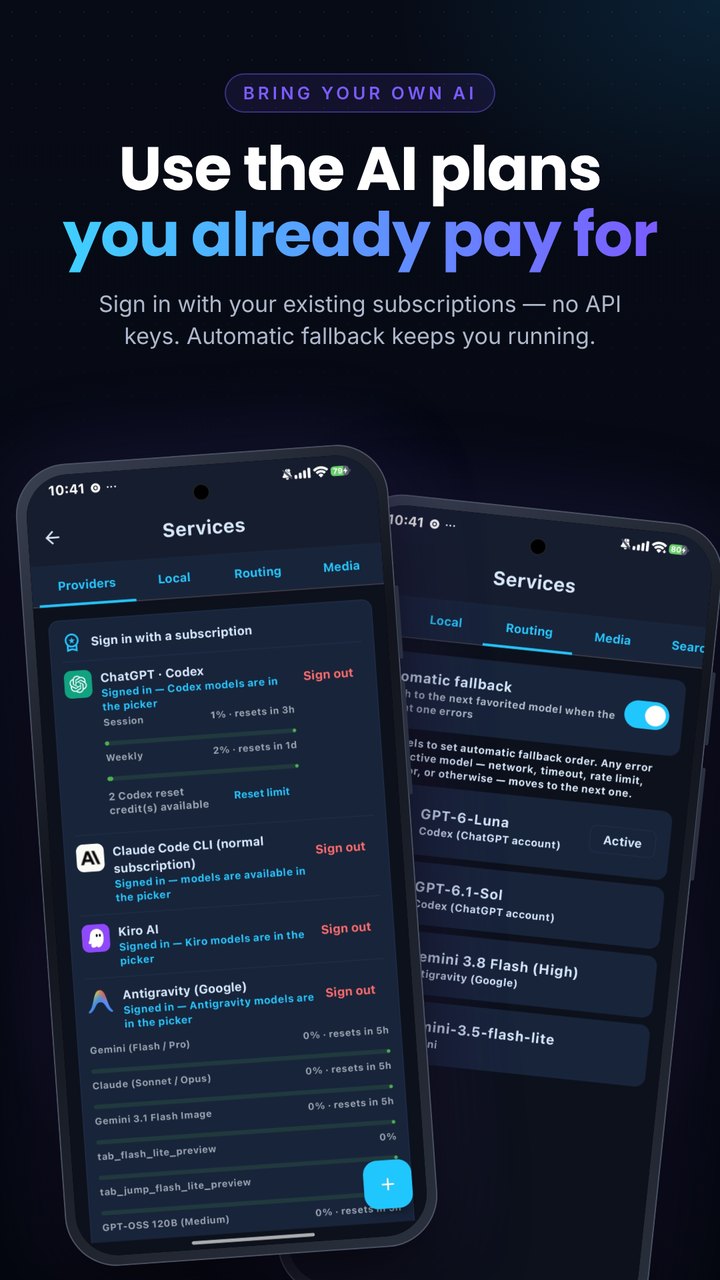
An AI agent for Android that works for you, not just chats. Give it a goal and it searches, browses, opens apps and uses your phone step by step until the task is done. You choose the AI: your own cloud API key, a ChatGPT / Claude / Kiro / Antigravity subscription, or a model that runs entirely on your phone.



⭐ If Oktobot is useful to you, please star this repo — it genuinely helps other people discover the project.
- Phone control, your way: Accessibility, or Shizuku / ADB for faster and more robust control, plus a separate small screen where the agent works while you keep using your phone.
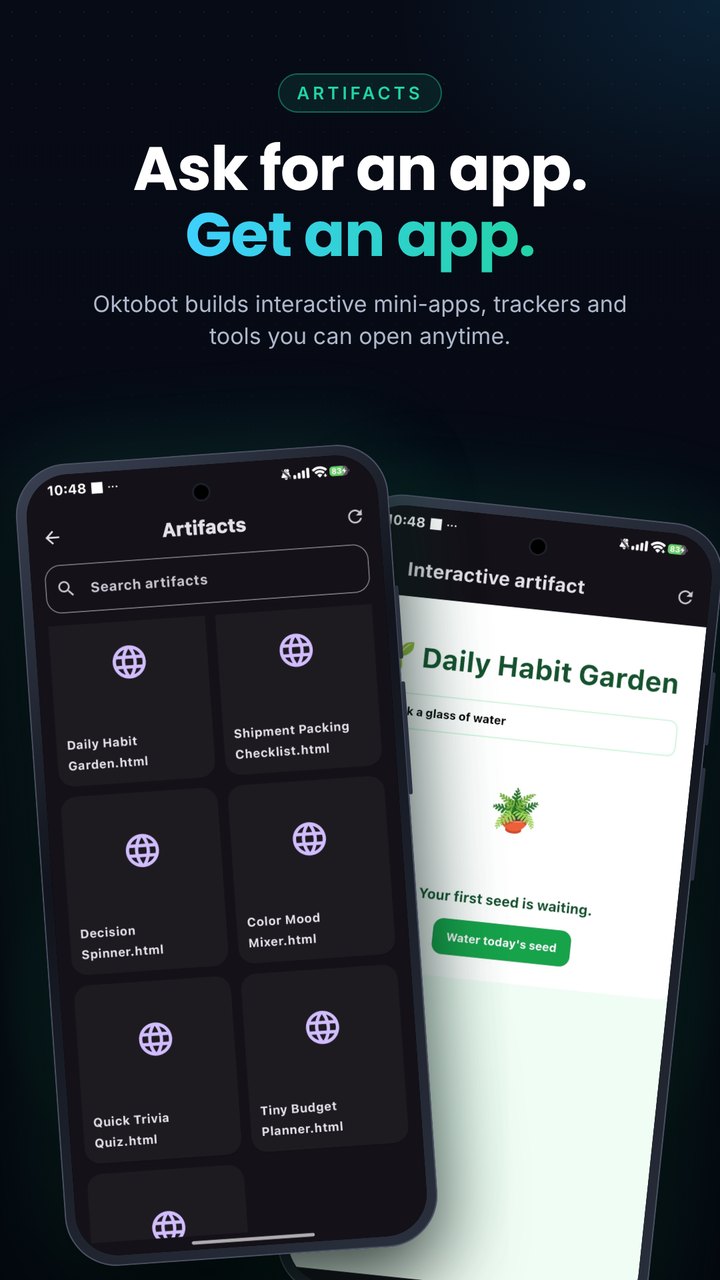
- Everything in one agent: voice and video calls, AI browser, image generation and editing, memory, MCP servers, Agent Skills (Claude / OpenClaw format), scheduled tasks and a sandboxed Linux shell.
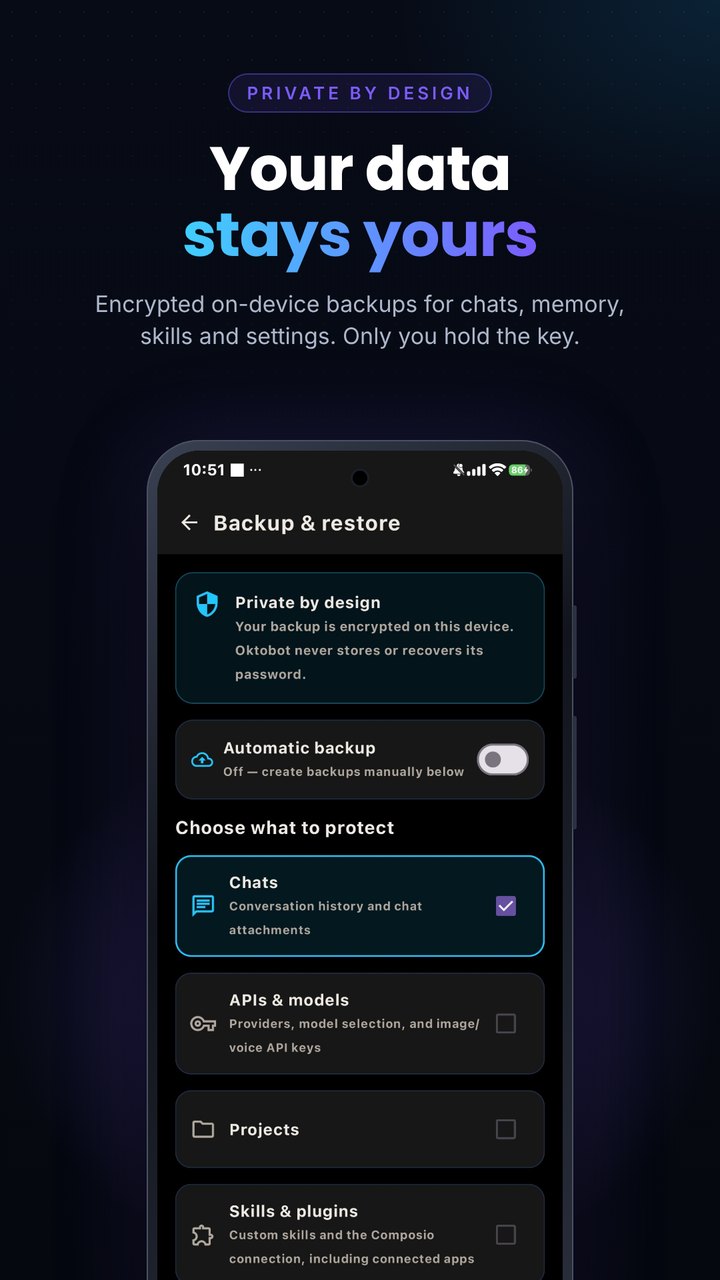
- Private by design: no account and no server of ours; conversations and memory stay on your device.
Oktobot is closed-source. This repository only hosts signed release builds, release notes and documentation. License: proprietary, all rights reserved.
What it does
- Controls your phone. Opens apps, taps, swipes, types and reads the screen through the Accessibility service (optional, off until you enable it). It can also drive the phone over Shizuku/ADB instead of Accessibility.
- AI browser. An in-app browser the agent can navigate, read and act in, plus web search (DuckDuckGo, Brave, Tavily, Google).
- Multi-agent. Create several agents, each with its own instructions, model, tools and memory, and switch between them.
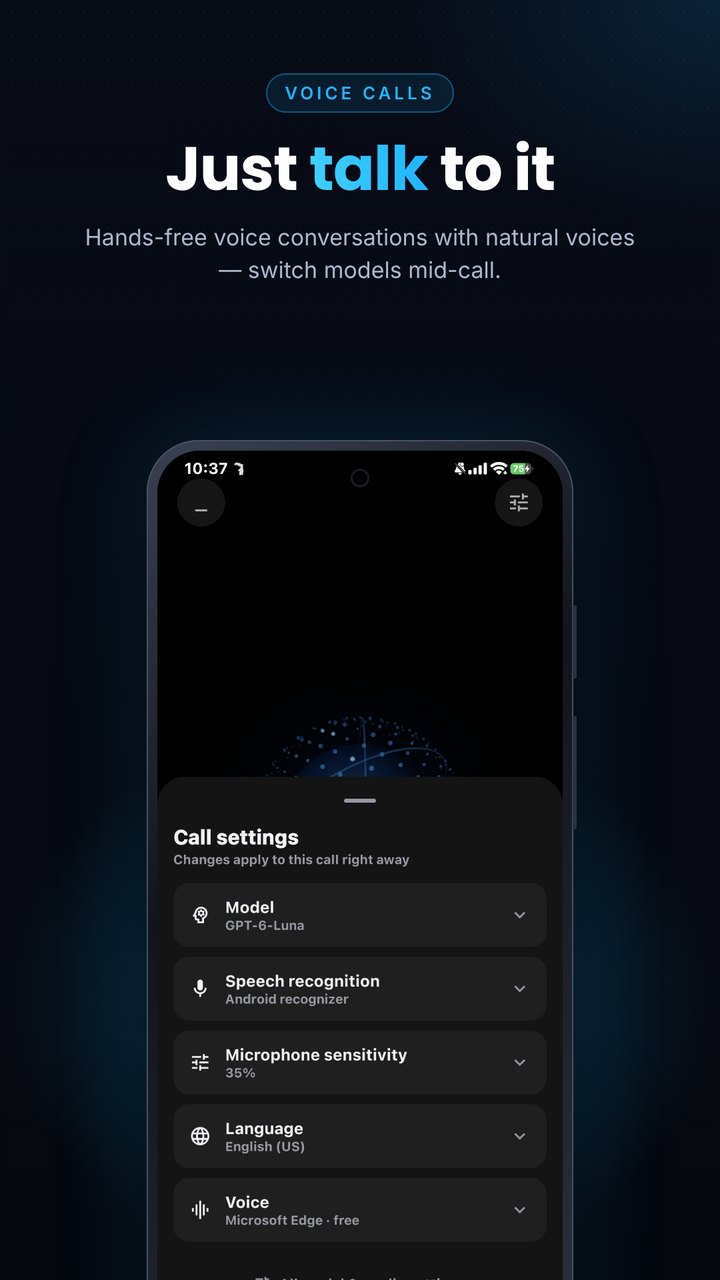
- Voice and video calls. Talk to the agent hands-free with speech recognition and TTS, or start a video call so it can see through your camera.
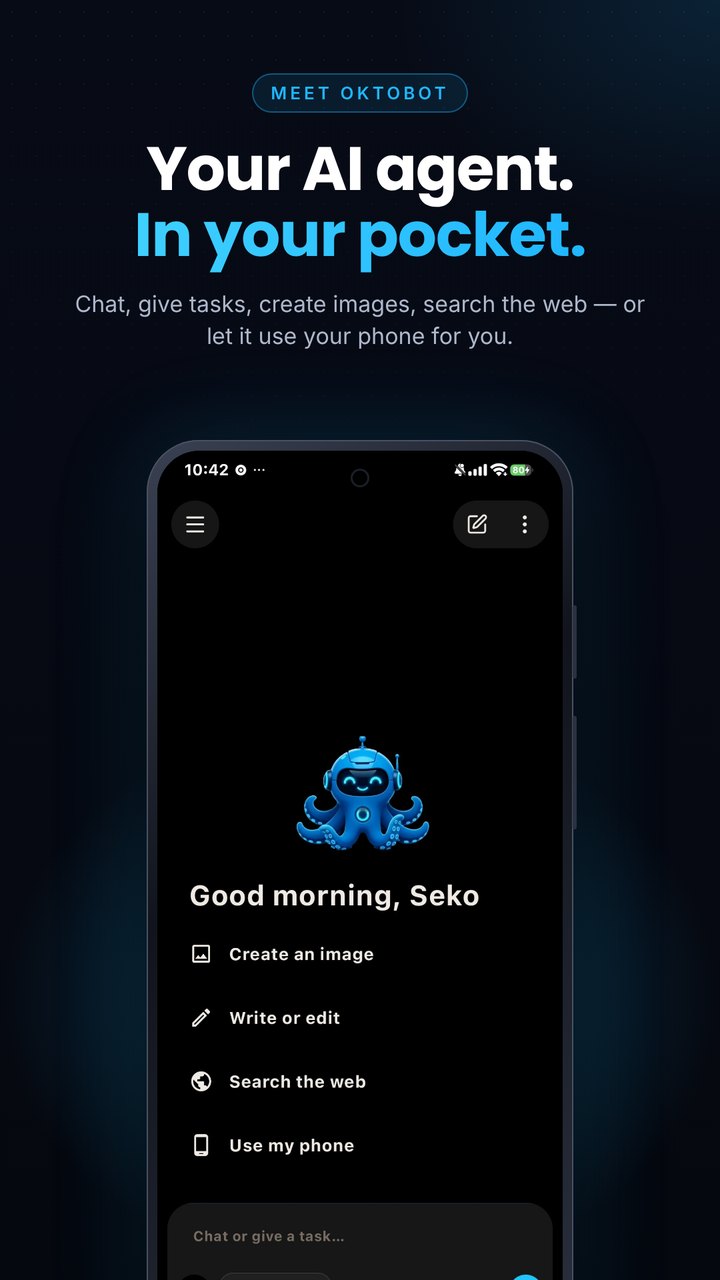
- Create images. Generate images, or attach a photo and have the model edit it.
- MCP. Connect Model Context Protocol servers; rich MCP App widgets render inside the chat.
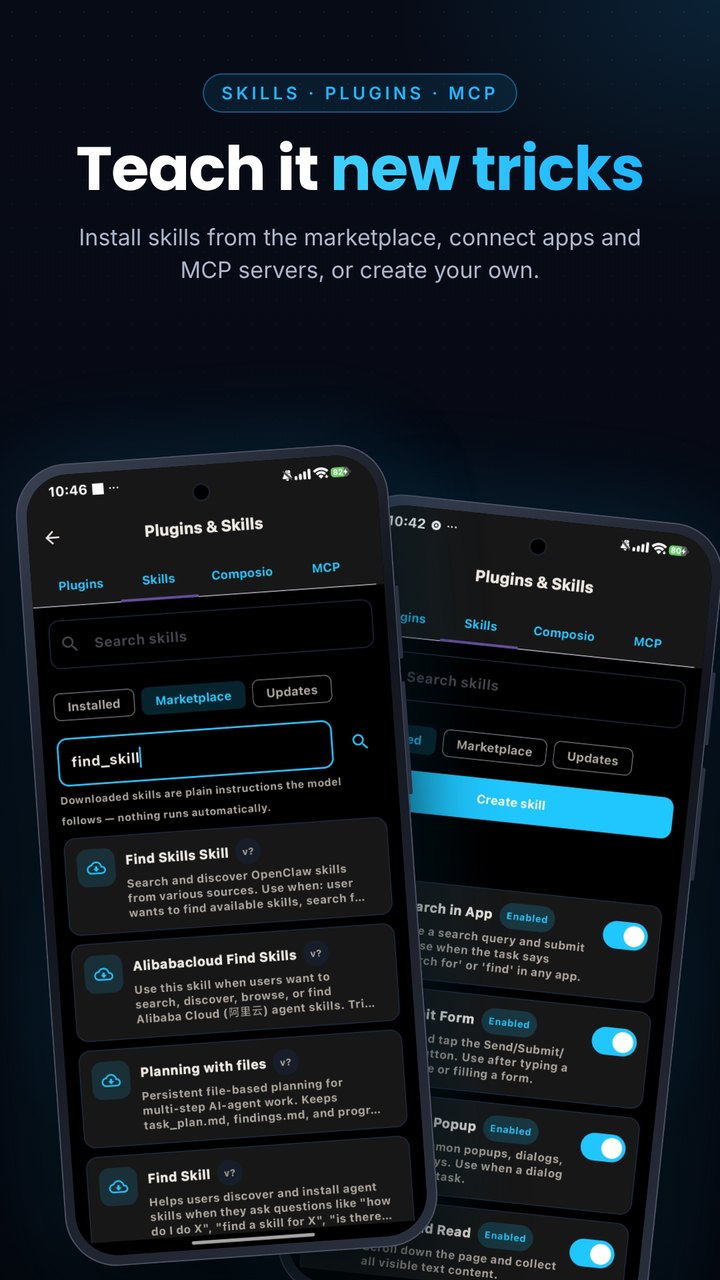
- Skills. Supports Agent Skills (the
SKILL.mdformat used by Claude and OpenClaw), including a ClawHub marketplace to search, inspect and install skills, with safety checks before anything installs. - Many models, your choice. Cloud API keys (OpenAI, Anthropic, Gemini, DeepSeek, OpenRouter and more), ChatGPT and Claude sign-in, or on-device models. Bring your own provider.
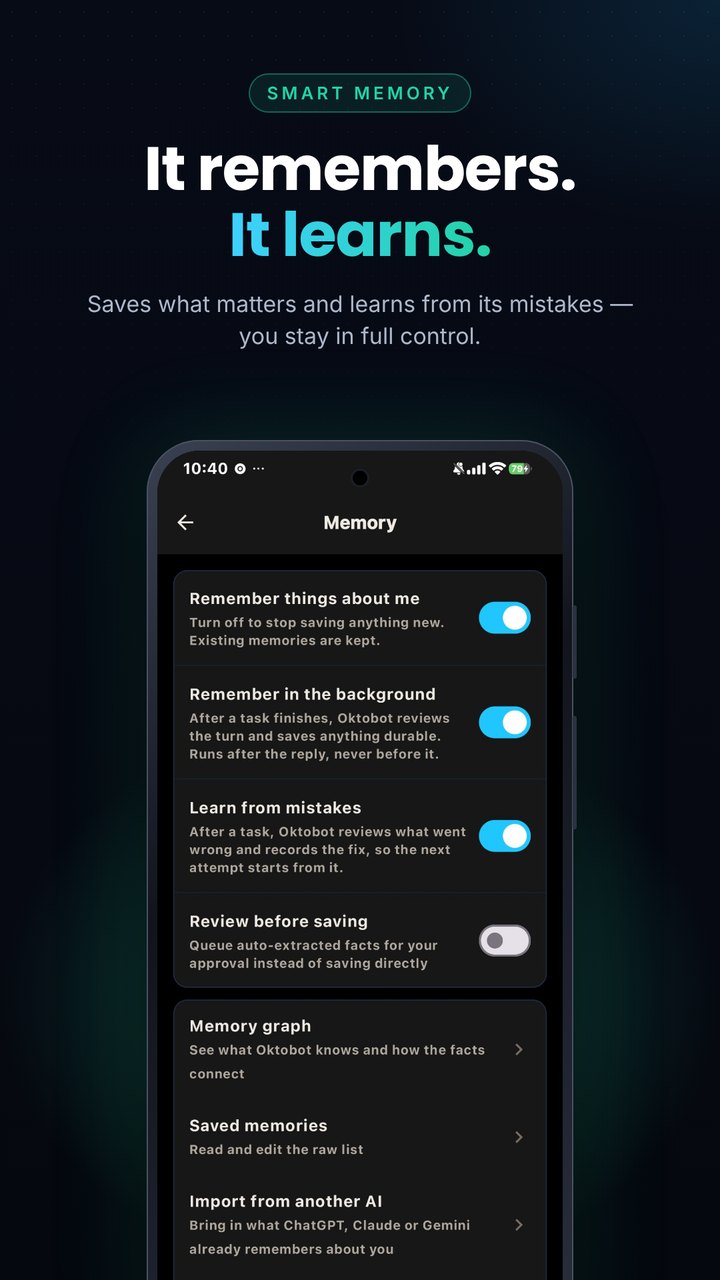
- Memory. Remembers what you ask it to, with a graph view and a review step before anything is saved.
- Linux sandbox. Run Ubuntu or Alpine on the device.
- Automation. Scheduled tasks, heartbeat checks, and a wake word.
Screenshots
Download

Or get the signed APK directly from GitHub:
Get the latest Oktobot_vX.Y.Z.apk from the Releases page.
- Download the APK on your phone (Android 9 or newer, arm64).
- Allow installing from your browser/file manager when Android asks.
- Verify the signature if you like (see below).
Updates install over the previous version as long as it is signed with the same key.
Get it on Obtainium
Prefer automatic updates straight from GitHub Releases? Add Oktobot in Obtainium and it will track new signed builds from this repo:
Verify the download
Every release lists the SHA-256 of the APK. The signing certificate is the same for every release:
CN=OctoBot, OU=Mobile, O=OctoBot, L=Istanbul, C=TR
SHA-256: 37:5D:E2:F9:8A:45:19:6F:9E:E9:F0:9C:BC:C3:E5:6F:5B:22:E4:EB:78:43:C8:C2:7D:96:9C:F6:58:FE:B6:DB
apksigner verify --print-certs Oktobot_vX.Y.Z.apk
sha256sum Oktobot_vX.Y.Z.apk
Shizuku support (optional)
Oktobot works fully without Shizuku. If you use Shizuku or Shizuku Next, Oktobot can use it for one thing: keeping its own accessibility service running.
- Setup: Oktobot → Settings → Permissions → Shizuku & accessibility watchdog. Every step shows a plain-language explanation first.
- Grant: with Shizuku running and permission granted, one button runs
pm grant <oktobot> android.permission.WRITE_SECURE_SETTINGS(and, on Android 13+,appops set <oktobot> ACCESS_RESTRICTED_SETTINGS allow). The permission survives reboots, so the watchdog keeps working even when Shizuku is not running. - Watchdog (off by default): detects "accessibility service disabled" or "enabled but not responding" and re-enables only Oktobot's own entry in
enabled_accessibility_services, never other apps'. It checks after boot, about every 15 minutes and when the agent needs the service. Every automatic change shows a notification. Retries are limited (5 attempts per episode, with backoff). If it cannot fix things itself it asks you to open Accessibility settings. - Shizuku Next: detection uses the Shizuku binder API, so it behaves the same with Shizuku and Shizuku Next. Turn on Start on boot and Watchdog in Shizuku Next so Shizuku itself stays up.
Permissions
Oktobot asks only for what a feature needs, and tells you why: Accessibility (phone control), notifications, microphone (voice), camera and storage (attachments), overlay (floating assistant). Phone control is optional and off until you enable it.
Community
- Reddit: r/Oktobot — the official community. Share feedback, report bugs, request features and catch beta news.
Support
Open an issue with your Android version, device and Oktobot version. Please do not post API keys or personal data.
Release Notes & Changelog
Oktobot v2.6.63 (build 338)
Fixes
- "Read notifications" no longer fails confusingly. If Android's notification access is on but Oktobot's own Read notifications switch is off, the agent now asks you right in the chat (Allow / Always allow / Deny) instead of failing and telling you to enable something that was already enabled.
- Run freely in allowed apps (Settings → Allowed apps, off by default): when on, a phone task that only uses apps you always-allowed runs like before: no plan card and no step limits. Any other app still shows the Approve this plan card.
Everything from v2.6.62 is included: phone control shows the exact list of steps for your approval first (only those steps run), removed SMS reading, new approval cards, automatic GPU→CPU fallback for on-device models, and plain http:// for local-network model servers (Ollama etc.).
Status: release (minified) build, checked on one device (POCO X6 Pro, Android 16) up to v2.6.61. The two changes in this version have unit-level checks only and have not been run on a device yet; please report problems in Issues.
Install: download Oktobot_v2.6.63.apk below (Android 9+, arm64). Signed with the same key as every Oktobot release:
SHA-256 cert: 37:5D:E2:F9:8A:45:19:6F:9E:E9:F0:9C:BC:C3:E5:6F:5B:22:E4:EB:78:43:C8:C2:7D:96:9C:F6:58:FE:B6:DB
APK SHA-256: 550c399c10609f3e7b057e8abc63882a614c8f485aab35a3bd9605ab3ec52ce8
Declared Android Permissions
23 totalShizuku API Permissions
This application connects to the Shizuku service to execute system-level operations with ADB elevated privileges.
Standard Android Permissions
Specifications
Install via ShizuStore to enable automatic updates and silent installations using Shizuku.
More in AI agents
Other applications in this category